API quickstart
Publish your first post through the CuteDyno API in about five minutes.
CuteDyno publishes to TikTok, Instagram, Facebook, and LinkedIn through one API. You send content once; CuteDyno handles each platform's upload rules, token refresh, retries, and delivery reporting. YouTube is pending Google verification and cannot be connected yet.
This page takes you from nothing to a published post. Every request below is real.
1. Get an API key
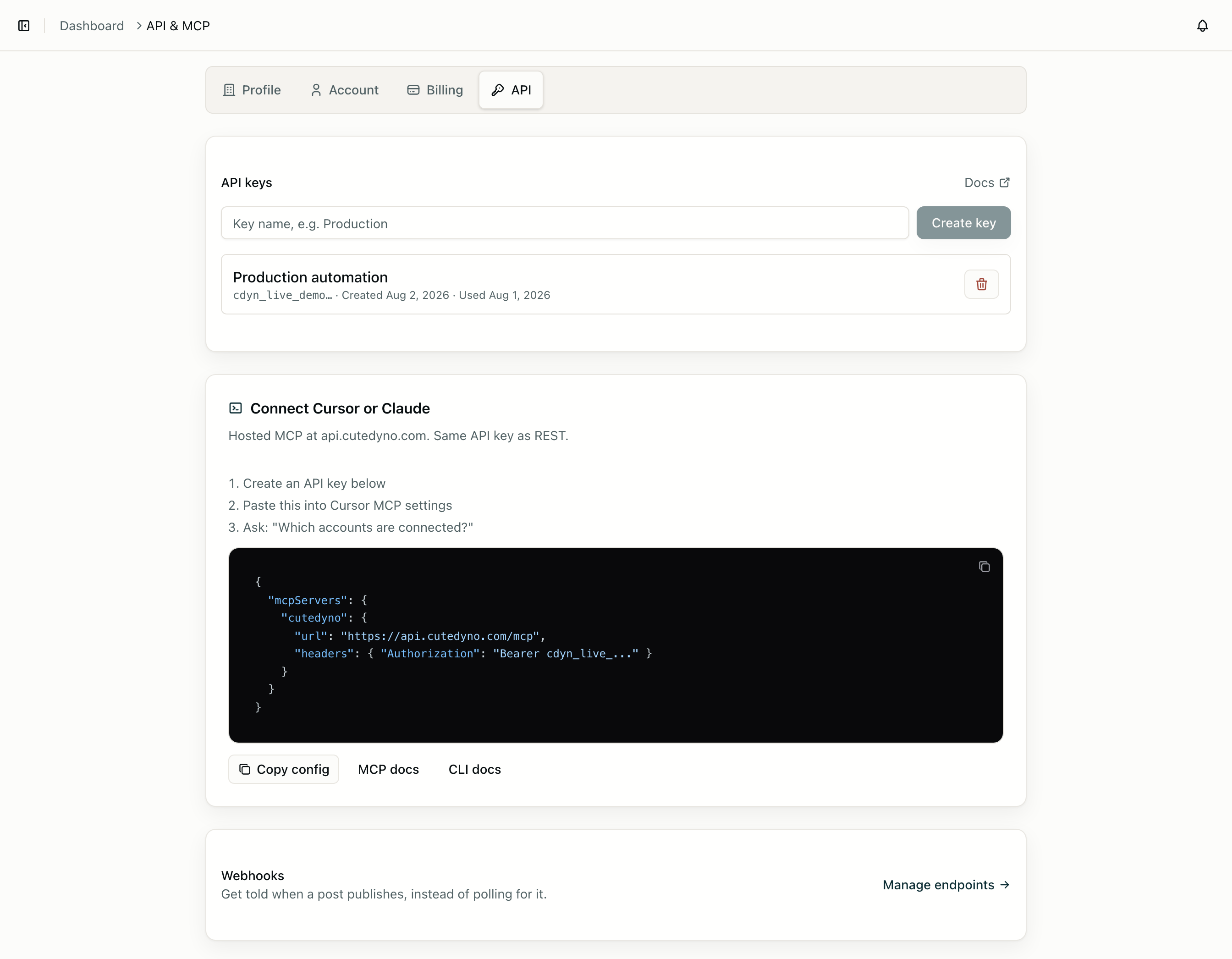
Create one in the dashboard under Developers → API. Keys look like cdyn_live_... and are shown once, so store it immediately.
export CUTEDYNO_API_KEY="cdyn_live_..."

curl https://api.cutedyno.com/v1/profile \
  -H "Authorization: Bearer $CUTEDYNO_API_KEY"
That call returns the profile your key belongs to, which is the cheapest way to confirm the key works.
Install an SDK if you would rather not hand-roll requests:
npm install @cutedyno/nodeThe Node SDK reads CUTEDYNO_API_KEY from the environment, so new CuteDyno() needs no arguments.
2. Connect a social account
CuteDyno never sees your user's platform password. You create a short-lived connect session, send the user to the returned URL, and they come back with an account attached to your profile.
import { CuteDyno } from '@cutedyno/node';

const cutedyno = new CuteDyno();

const { authUrl } = await cutedyno.accounts.connect({
  platform: 'instagram',
  redirectUrl: 'https://yourapp.com/settings/social?connected=1',
});

// Send the user here. They land back on redirectUrl when done.
console.log(authUrl);
Once they finish, the account appears in the account list:
const { accounts } = await cutedyno.accounts.list();
// [{ id: '…', platformAccountId: '178414…', platform: 'instagram', name: 'Acme', username: 'acmecoffee', … }]
Use id — the CuteDyno UUID — when creating posts. platformAccountId is the platform's own identifier, useful for reconciling with data you already hold. Connecting accounts covers the flow in full.
3. Create a post
const { post } = await cutedyno.posts.create(
  {
    content: 'Shipping today.',
    accountIds: [accounts[0].id],
    scheduledAt: '2026-08-01T15:00:00.000Z',
  },
  { idempotencyKey: crypto.randomUUID() }
);

console.log(post.id, post.status); // '…', 'scheduled'
Three modes, chosen by what you send rather than by a mode flag:
| You send | Result |
|---|---|
Neither scheduledAt nor publishNow | A draft. Nothing goes out. |
scheduledAt | Queued for that time. |
publishNow: true | Queued immediately. |
Sending both scheduledAt and publishNow is rejected, because the intent is ambiguous.
Attach media by uploading first — see Media uploads. Pass an Idempotency-Key on this call: a network timeout is not proof the post was not created, and idempotency is what stops a retry becoming a duplicate post.
Want to check content against a platform's rules without writing anything? POST /v1/posts/validate runs the same checks and returns the same errors.
4. Confirm it published
Two ways. Poll the post:
const { post } = await cutedyno.posts.retrieve(postId);
// status: scheduled → queued → processing → published | partially_published | failed
partially_published means some accounts succeeded and others did not — normal when posting to several platforms at once, since each has its own rules. post.results breaks it down per account, and GET /v1/posts/:id/history shows every transition with a reason.
Or, better, subscribe to webhooks once and stop polling:
await cutedyno.webhooks.create({
  url: 'https://yourapp.com/webhooks/cutedyno',
  events: ['post.published', 'post.failed'],
});
The post.published payload carries the platform post ID and permalink. Webhooks covers signature verification and the retry schedule.
What to read next
- Build a platform — serve many customers from one key with profiles.
- Publishing — drafts, scheduling, per-platform options, and retries.
- Errors — the error envelope and which codes are worth retrying.
- Platform requirements — media specs and options per network.
- MCP server — let an agent do all of the above in natural language.