Quickstart
Connect an account and schedule your first post in a few minutes.
CuteDyno gives you one place to publish to TikTok, Instagram, Facebook, and LinkedIn. YouTube is pending Google verification and cannot be connected yet.
Use the dashboard if you want to schedule posts yourself. Use the API, SDK, CLI, or MCP server if you are building an app or an agent.
Choose how you want to start
| Your goal | Start here |
|---|---|
| Schedule posts for yourself or a team | Use the dashboard |
| Add social publishing to your app | API quickstart |
| Let an AI agent publish | Connect the MCP server |
| Run commands from a terminal | Install the CLI |
Not sure? Start with the dashboard. You can use the same accounts with the API later.
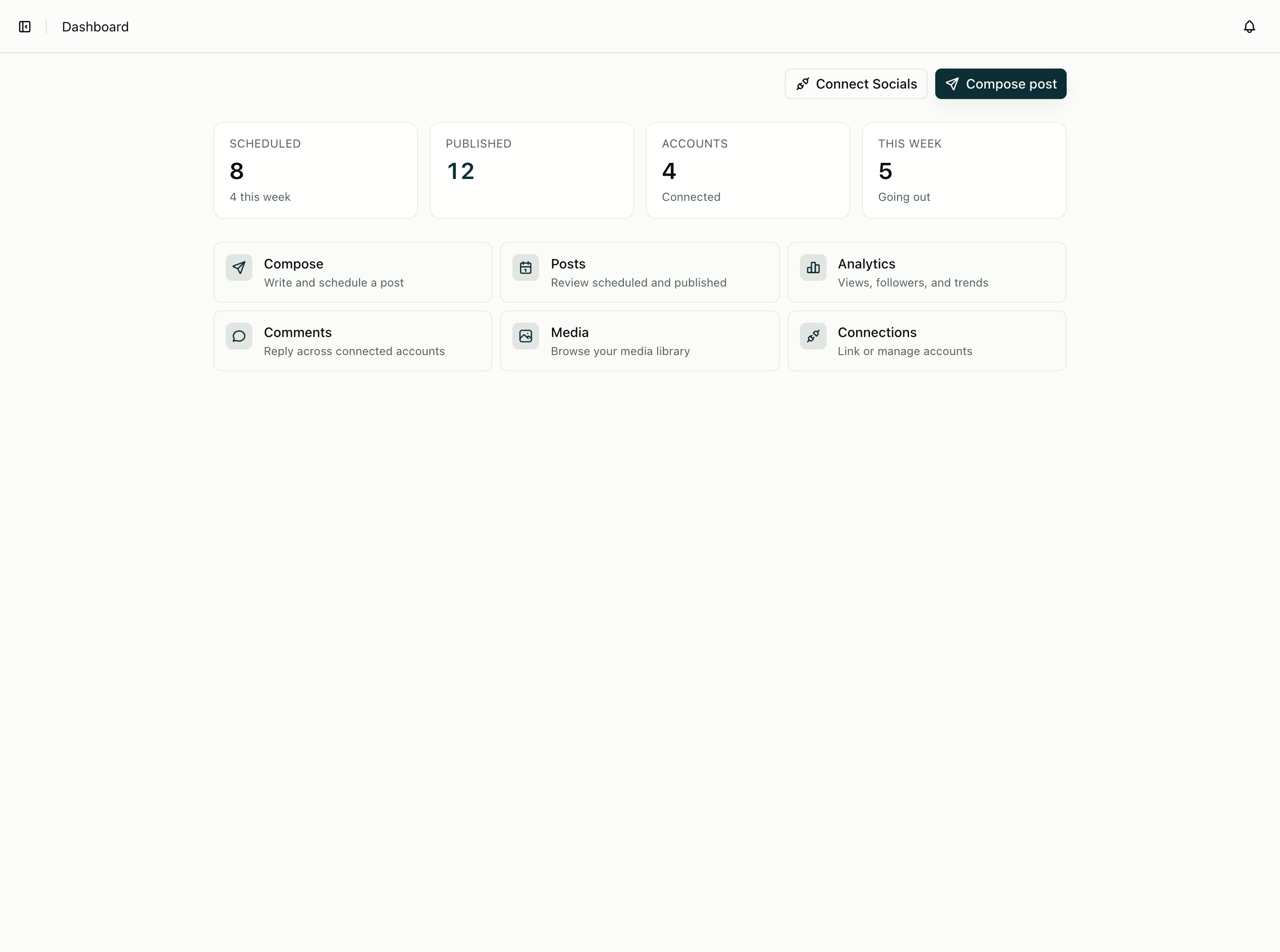
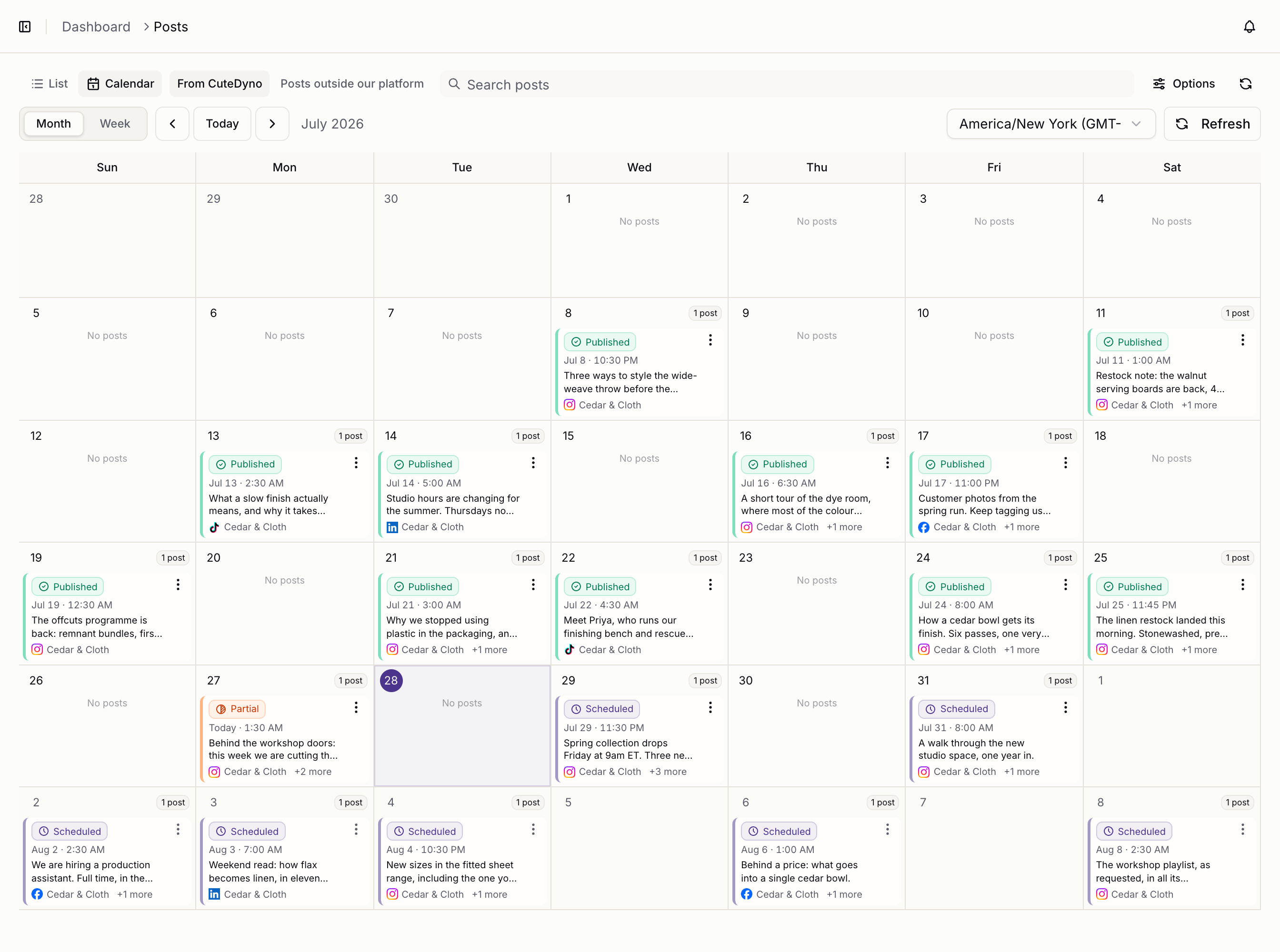
Your first post
- Open the dashboard and create an API key.
- Connect a social account.
- Create a post and choose when it should publish.
- Check the post status in the dashboard or with the API.
If you are using Node.js, install the SDK:
npm install @cutedyno/nodeThen create a client. The SDK reads CUTEDYNO_API_KEY from your environment.
import { CuteDyno } from '@cutedyno/node';

const cutedyno = new CuteDyno();
Follow the API quickstart to connect an account and publish a real post.
Key ideas
- Profile: a workspace for one brand or customer.
- Connected account: a TikTok, Instagram, Facebook, or LinkedIn account.
- Post: content that is saved as a draft, scheduled, or published now.
- API key: a secret that gives your code access to a profile.
Everything stays in sync. A post created by an agent also appears in the dashboard.