Dashboard scheduling
Connect social accounts and schedule posts from the CuteDyno dashboard.
The dashboard is the fastest way to publish without writing code. Connect your social accounts once, compose posts in the browser, and schedule them across TikTok, Instagram, Facebook, and LinkedIn from one place. YouTube is pending Google verification and cannot be connected yet.
1. Sign up and open the dashboard
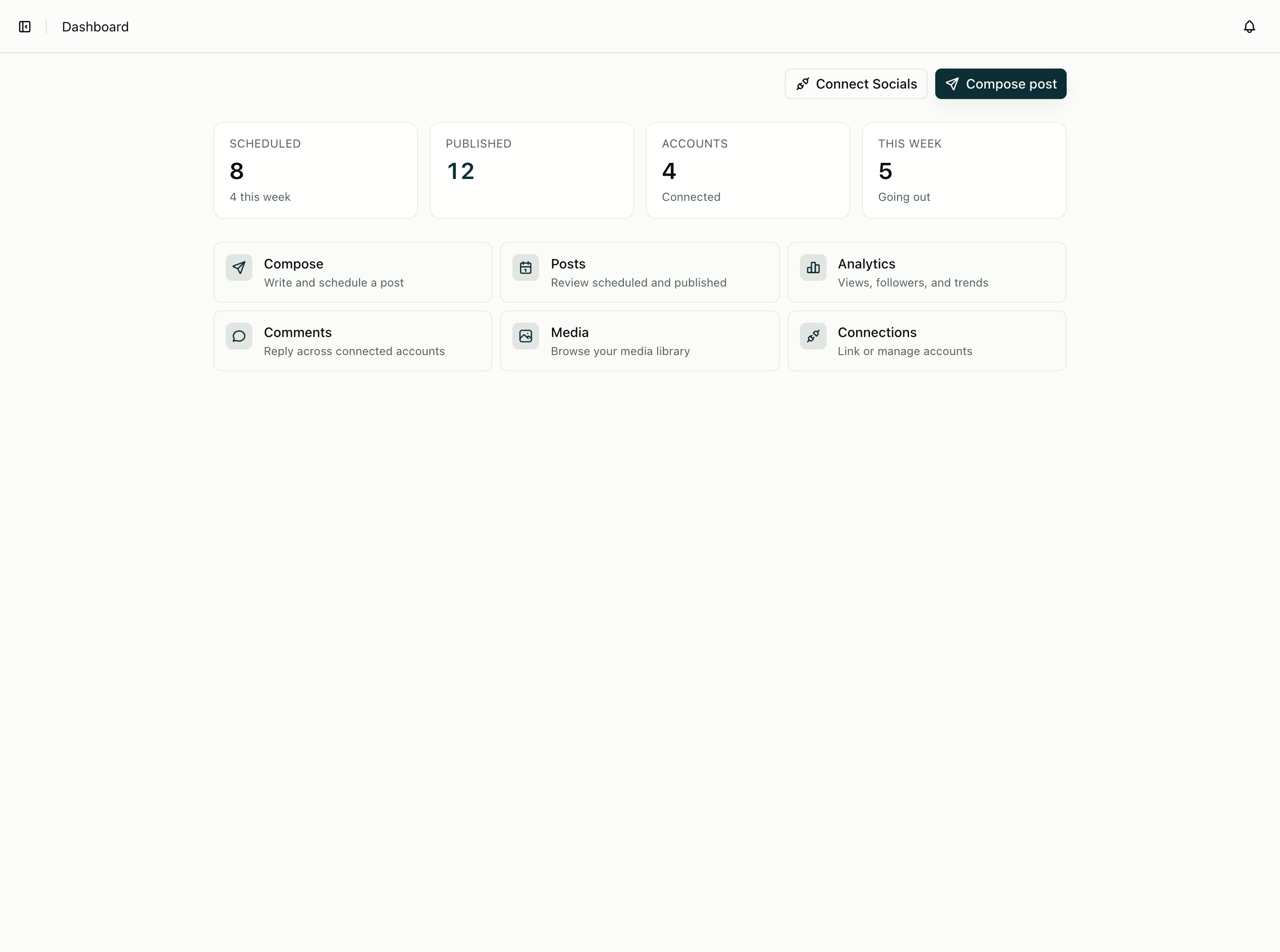
Create an account at cutedyno.com/signup. After onboarding you land on the dashboard with a default profile.
If you manage more than one brand or client, create a separate profile for each — see Multi-brand profiles.
2. Connect social accounts
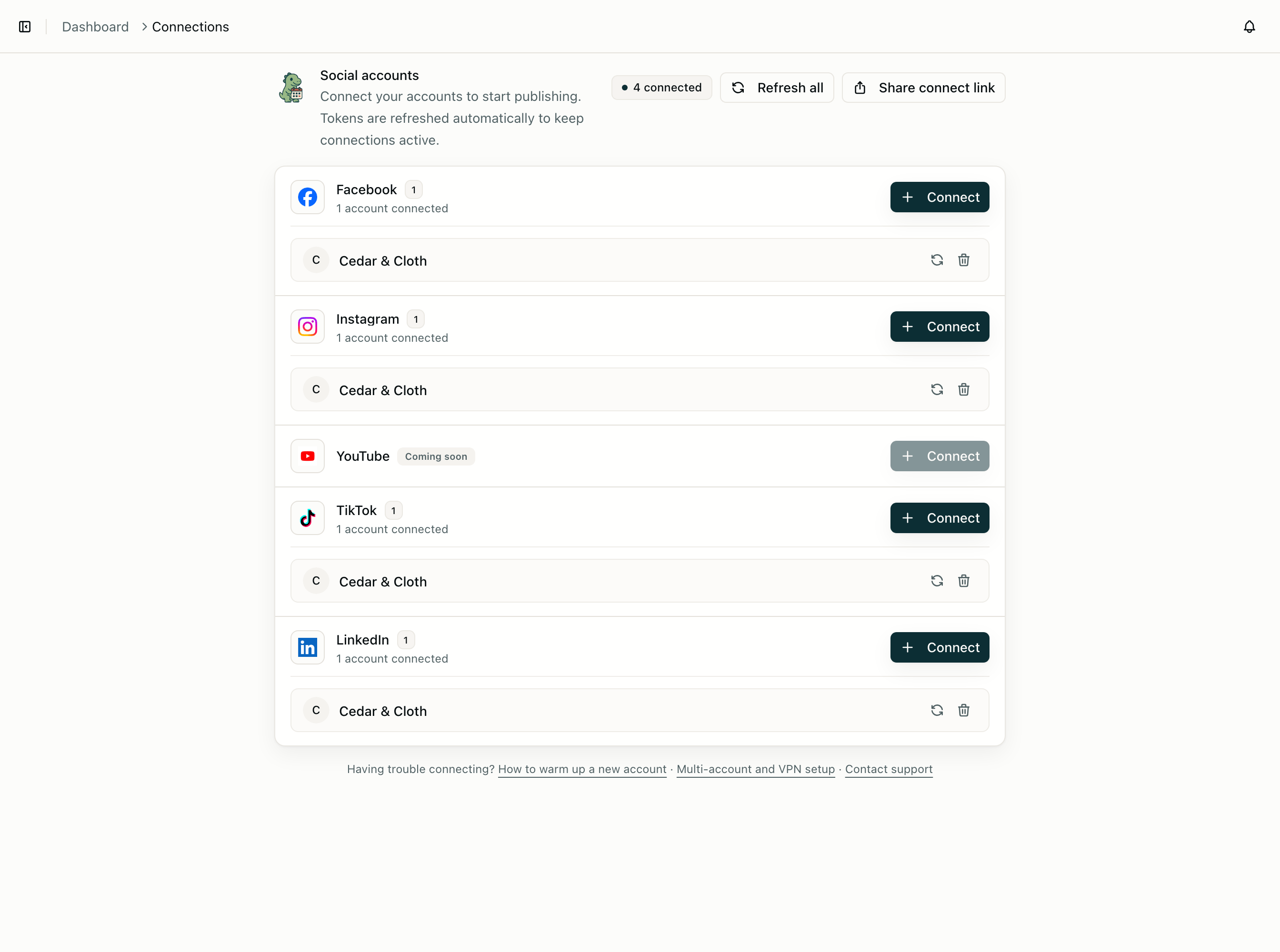
Open Connections and connect the platforms you publish to. CuteDyno uses OAuth, so you never enter platform passwords into CuteDyno.
Each connected account appears under the current profile. You can disconnect anytime from Connections or from the platform itself.
For the API equivalent of this step, see Connecting accounts.
3. Compose and schedule
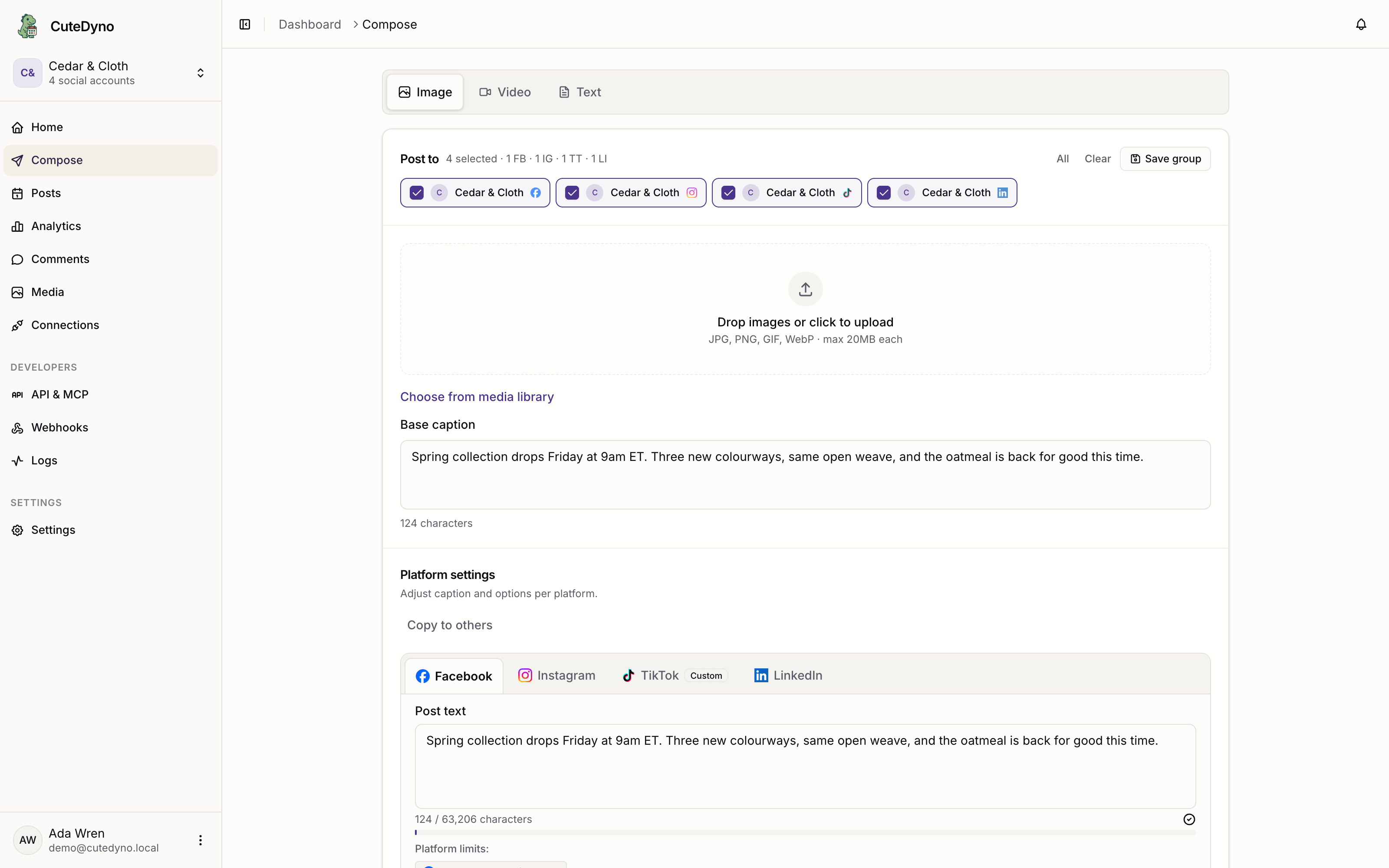
Open Publish to write a post. Pick one or more connected accounts, add text and media, then:
- Save as draft — nothing goes out until you schedule or publish
- Schedule — pick a date and time; CuteDyno queues it
- Publish now — goes out immediately
Platform-specific options (cover images, LinkedIn titles, and so on) appear when the selected accounts need them. See Platform requirements for specs per network.
4. Review and track
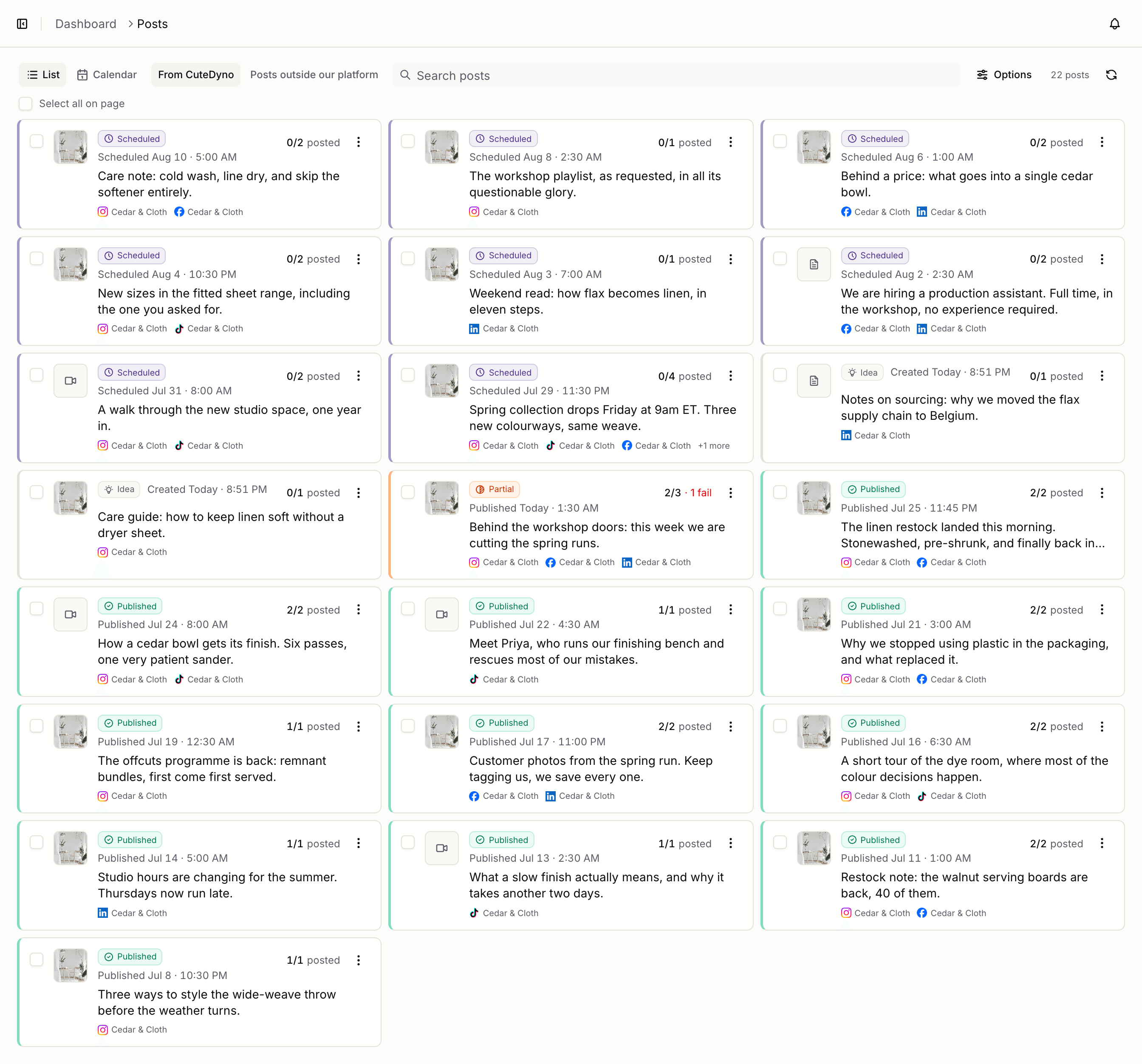
- Posts — drafts, scheduled queue, and published history
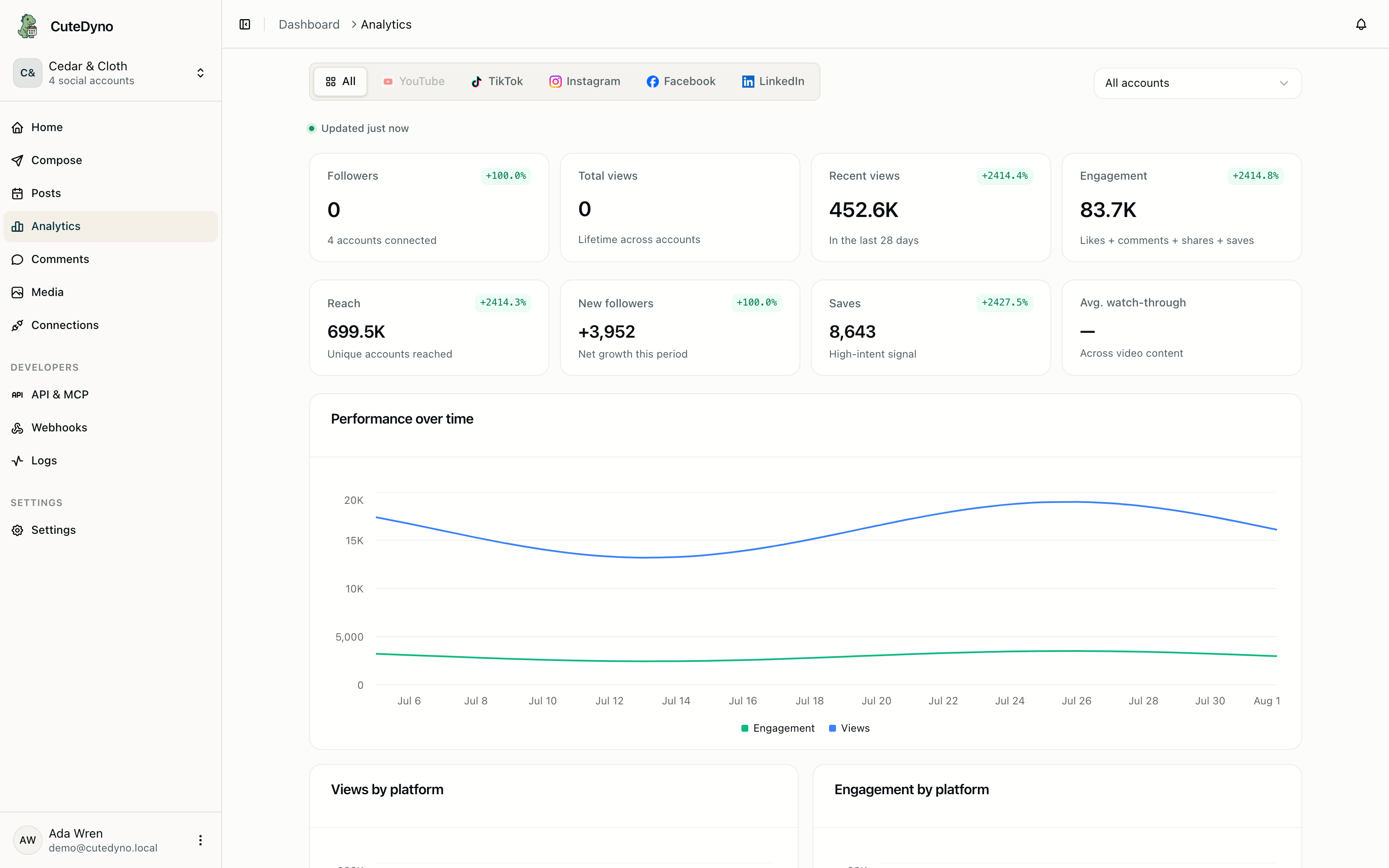
- Analytics — views, likes, and engagement per account
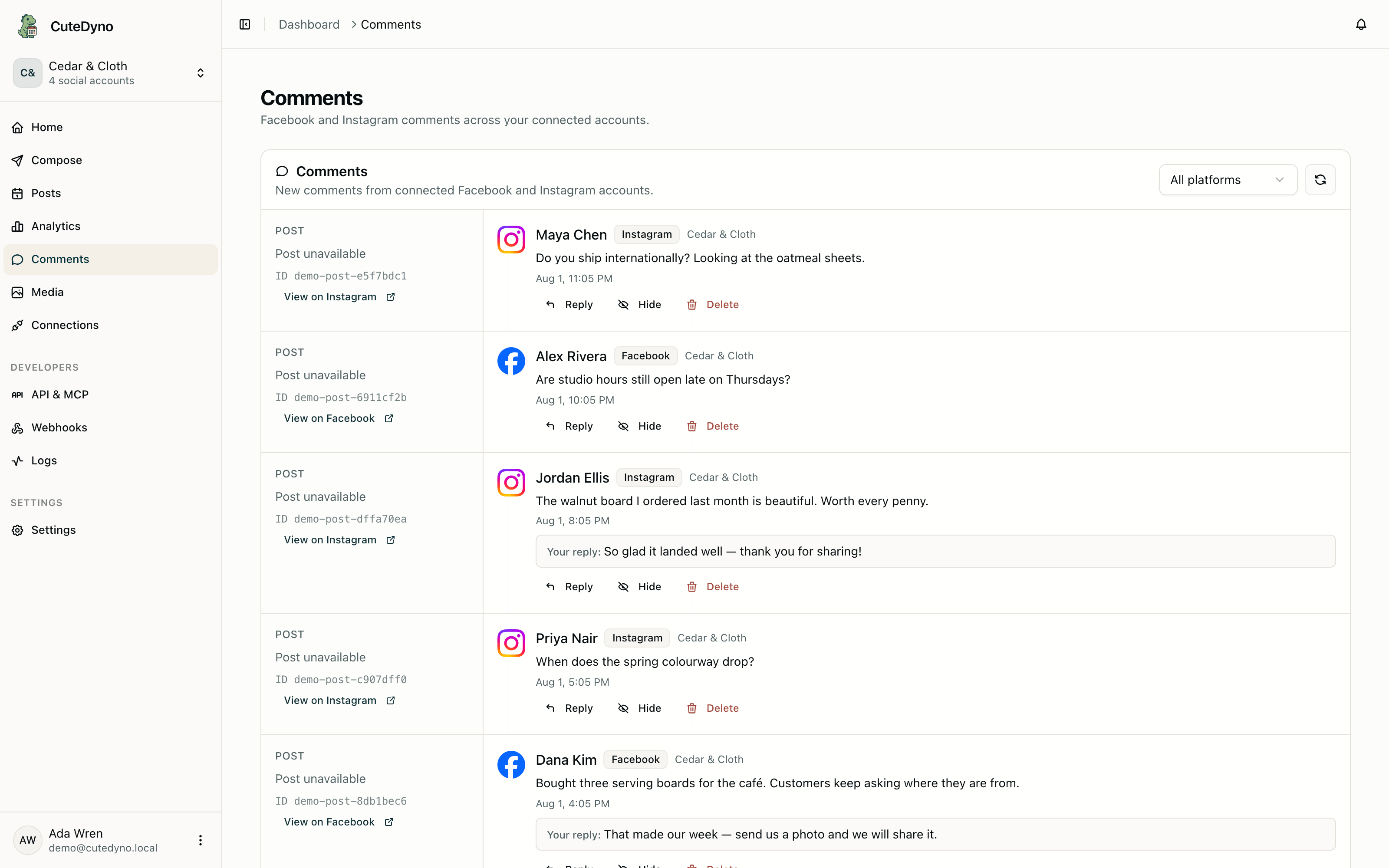
- Inbox — reply across connected accounts
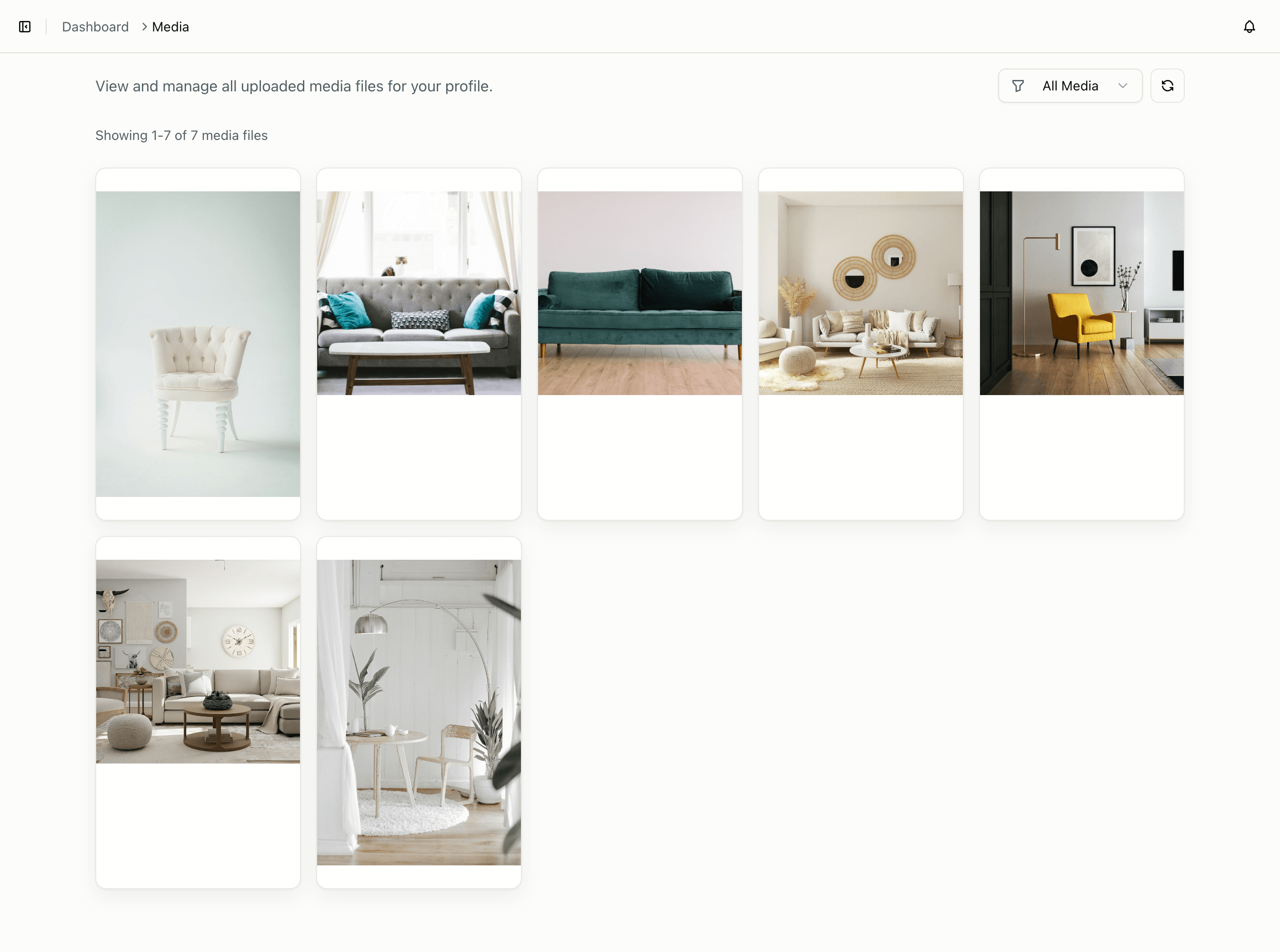
- Media — shared images and videos for the active profile
When you want automation
The dashboard and API share the same data. Once scheduling works manually, common next steps are:
- API quickstart — publish from your backend
- MCP server — let an AI agent publish for you
- CLI — script recurring workflows
If you are building a product for your own customers, read Build a platform instead.