Multi-brand profiles
One profile per brand or client — switch workspaces in the dashboard or scope API calls with profileId.
A profile is a workspace. It owns its connected social accounts, posts, media, and policy. Nothing crosses a profile boundary.
Use one profile per brand, client, or business unit so their accounts and content stay separate.
In the dashboard
- Open Profiles and create a profile for each brand or client.
- Switch the active profile from the profile picker in the dashboard header.
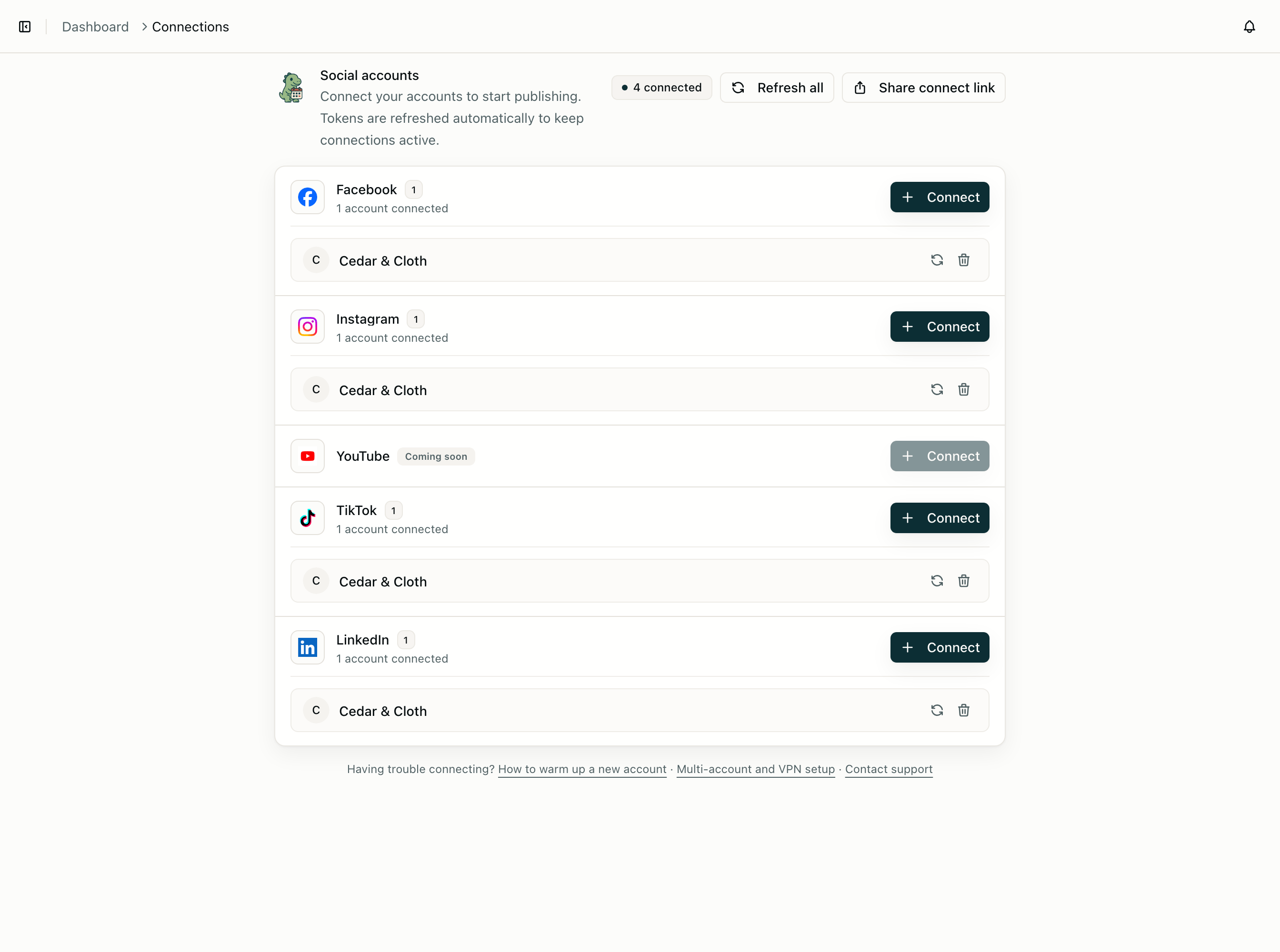
- Connect social accounts under Connections while that profile is active — accounts attach to the current profile only.
- Schedule and review posts as usual. Posts, analytics, and comments are scoped to the active profile.
This is the right model for freelancers, agencies, and anyone juggling multiple brands without mixing calendars.
On the API
If your backend serves many customers, the same profile model applies — but you will usually hold one account-wide API key and pass profileId on each call instead of switching in the UI.
const { accounts } = await cutedyno.accounts.list({
  profileId: client.cutedynoProfileId,
});
Create a profile when a customer signs up in your product, store the returned ID, and scope every connect session and post to that profile. Build a platform walks through the full multi-tenant integration: profile creation, hosted OAuth, webhooks, and offboarding.
Per-profile policy
Each profile can have its own publishing rules — require approval before posts go live, limit platforms, or cap daily volume:
await cutedyno.policy.update({
  profileId: client.cutedynoProfileId,
  requireApproval: true,
  allowedPlatforms: ['instagram', 'tiktok'],
  maxPostsPerDay: 5,
});
Read the current policy with GET /v1/policy.
What to read next
- Dashboard scheduling — day-to-day posting from the browser
- Build a platform — serve many customers from one API integration
- Authentication — limit API keys to specific profiles with
profileIds