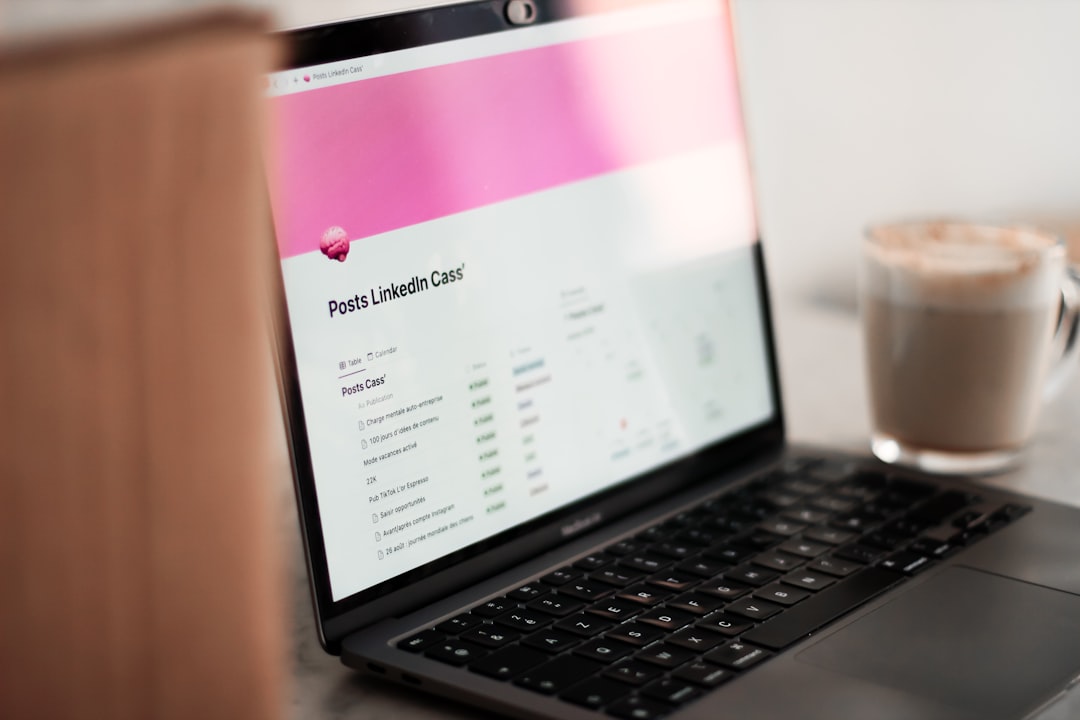
Social Media Scheduler for Restaurants 2026
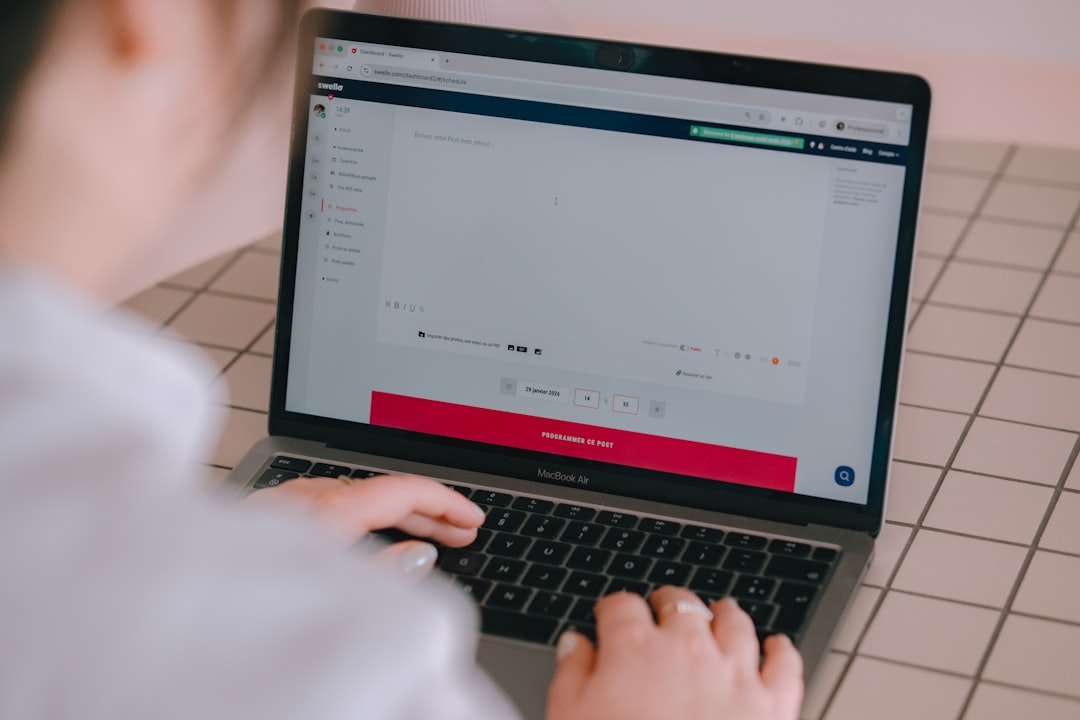
A social media scheduler for restaurants in 2026 keeps your dining room full without pulling the chef or manager off the floor to post lunch specials at noon. Instagram Reels, Facebook events, and TikTok food content drive local discovery, but consistency wins, and consistency is almost impossible when service is slammed every Friday night.
This guide explains why restaurants need scheduling, features that matter for food brands, tool comparisons, content calendar rhythms, and how CuteDyno supports single locations and multi-unit groups.
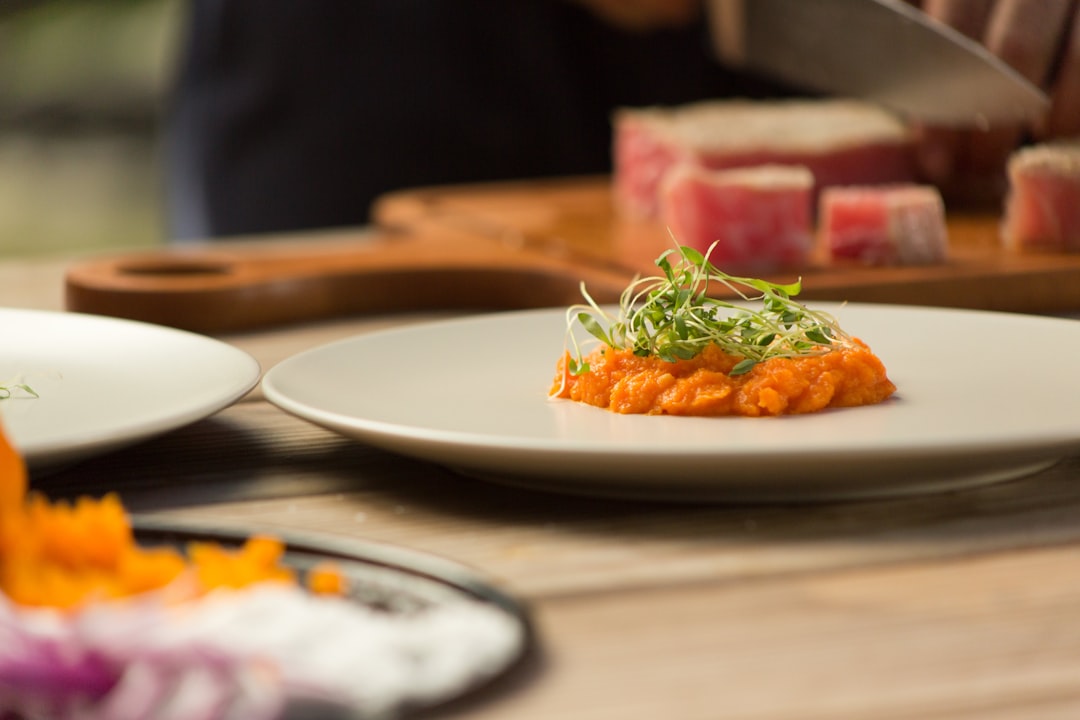
Why Restaurants Need a Scheduler
Food service runs on thin margins and unpredictable rushes. Marketing suffers first.
Schedulers help you:
- Push menu updates, Seasonal dishes, chef specials, limited drops
- Promote events, Live music, trivia, holiday prix fixe, private dining
- Batch food photography, Shoot Tuesday, schedule peak scroll windows all week
- Stay visible locally, Facebook and Instagram still drive "where should we eat?" decisions
- Coordinate agencies, External marketers post with approval, not shared passwords
Track reservation or order link performance with UTMs from the UTM builder (full UTM guide).
Must-Have Features for Restaurants
Visual-first publishing
Food is inherently visual. Your tool must handle crisp images and short video (Reels, TikTok) without turning plating into mush.
Instagram and Facebook core
Local discovery still clusters here. TikTok matters for trend-forward concepts and younger diners; LinkedIn is optional unless you cater corporate events.
Simple, fast UX
Owners and GMs will not read a 40-page manual. Onboarding should fit a slow Monday morning.
Affordable, predictable pricing
Independent restaurants need plans often under $25/month, not enterprise contracts.
Flexible edits
Specials change. Menus 86 items. You need fast reschedule and last-minute Stories or posts without rebuilding the whole week.
Multi-location support (when you grow)
Franchises and groups need separate calendars or profiles per store with shared brand rules.
Best Social Media Schedulers for Restaurants 2026
1. CuteDyno
Pricing: $12.50/month (Freelancer) | $25/month (Agency)
Highlights:
- Unlimited accounts for multi-location or agency-managed restaurants
- Instagram, Facebook, TikTok from one queue
- Calendar and bulk scheduling for weekly specials
- Approval workflows when marketing agencies draft for owner sign-off
- Free image cropper, content ideas, hashtag generator
Best for: Single locations scaling to small groups, or agencies managing restaurant clients.
Start free · Pricing · Scheduler overview
2. Later
Pricing: Free tier with limits | $25+/month paid
Highlights:
- Visual Instagram grid and planner
- Best Time to Post
- Strong for aesthetic food photography accounts
Best for: Single-location restaurants where Instagram grid cohesion drives brand.
See CuteDyno vs Later.
3. Buffer
Pricing: Per-channel pricing
Highlights:
- Minimal interface, low learning curve
- Solid Instagram and Facebook coverage
Best for: Owner-operators posting on two to three channels only.
4. Metricool
Pricing: Free tier | ~$10–20/month paid
Highlights:
- Budget entry and analytics
- Useful when testing social ROI for the first time
Best for: New concepts validating whether Instagram moves covers.
5. Pallyy
Pricing: ~$25/month per social set (verify live pricing)
Highlights:
- Visual grid and design integrations
- Instagram and TikTok focus
Best for: Highly visual brands with dedicated content shoots.
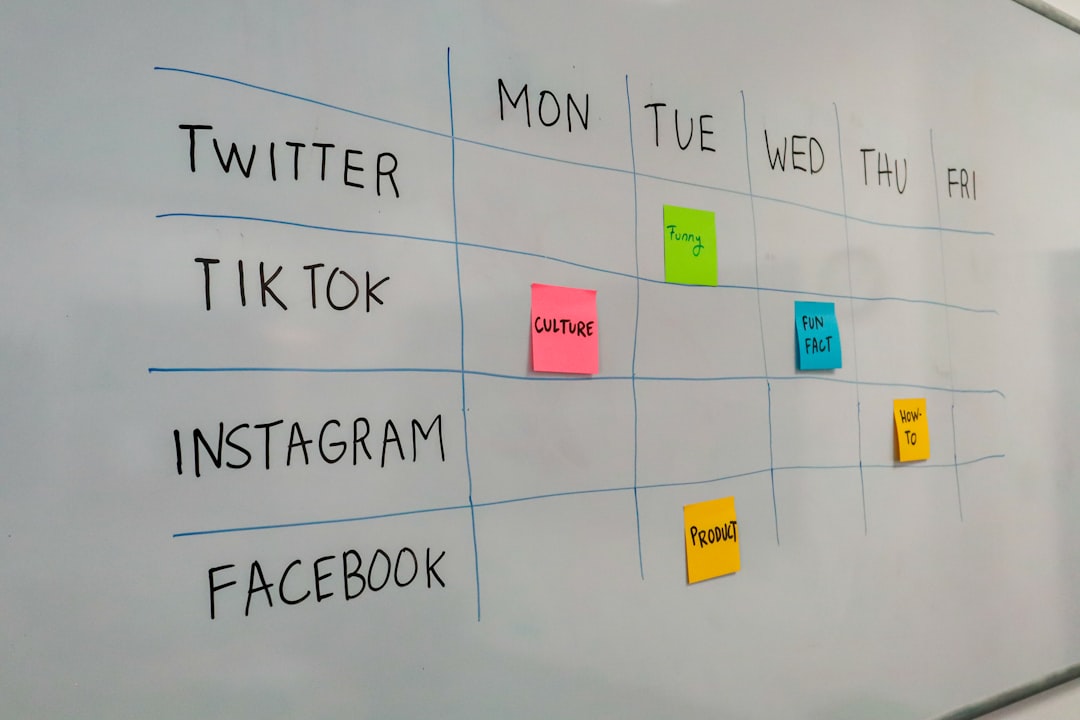
Restaurant Content Calendar Rhythm
Adapt the free content calendar template:
| Content | Frequency | Timing tip |
|---|---|---|
| Menu highlights | 2–3× weekly | Schedule AM for lunch; late afternoon for dinner |
| Daily/weekly specials | Day-of or night-before | Keep template captions ready |
| Events | 7 days, 1 day, day-of | Facebook event + IG Reel teaser |
| Behind-the-scenes | 1–2× weekly | Prep, kitchen team, sourcing stories |
| UGC reposts | 2× monthly | Permission in DMs or tagged posts |
Post when locals scroll, see best time to post on Instagram and TikTok.
Stuck on angles? Use content ideas for seasonal prompts ("first warm weekend patio menu," etc.).
Food Photo and Reel Workflow
- Shoot under consistent light, One weekly batch beats rushed plate photos mid-rush
- Crop for feeds, Image cropper for 4:5 and 9:16 exports
- Caption with appetite hooks, Caption line breaks for mobile readability
- Hashtags local + dish, Hashtag strategy guide; avoid spammy unrelated tags
- Safe zones for Reels, Keep dish name text clear of UI (safe zone guide)
- Schedule and approve, Agency drafts, owner taps approve in CuteDyno
Schedule platform specifics: Instagram · Facebook.
Agencies Managing Restaurant Clients
Marketing shops serving hospitality should combine:
Restaurant owners retain page ownership; agencies get editor access and structured review, not the owner's personal Facebook login.
Frequently Asked Questions
What is the best social media scheduler for restaurants in 2026?
CuteDyno balances multi-platform scheduling, approvals, and flat pricing for independents and small groups. Later suits Instagram-grid-first brands; Buffer fits minimal channel counts.
Which platforms should restaurants prioritize?
Instagram and Facebook for local discovery; TikTok if your brand is video-forward; LinkedIn only for B2B catering positioning.
Can I schedule daily specials the night before?
Yes, queue captions and photos, then tweak in the morning if an item sells out.
How do restaurants measure social ROI?
Use reservation and online order UTMs, track Google Business Profile insights, and monitor comment DMs asking for tables.
Can agencies manage multiple restaurant locations in one tool?
Yes, CuteDyno Agency supports separate profiles and unlimited accounts. See multi-client management.
Is CuteDyno affordable for independent restaurants?
Freelancer tiers target small businesses under $15/month, verify current plans on pricing.