
MCP
Comment moderation with an MCP connection
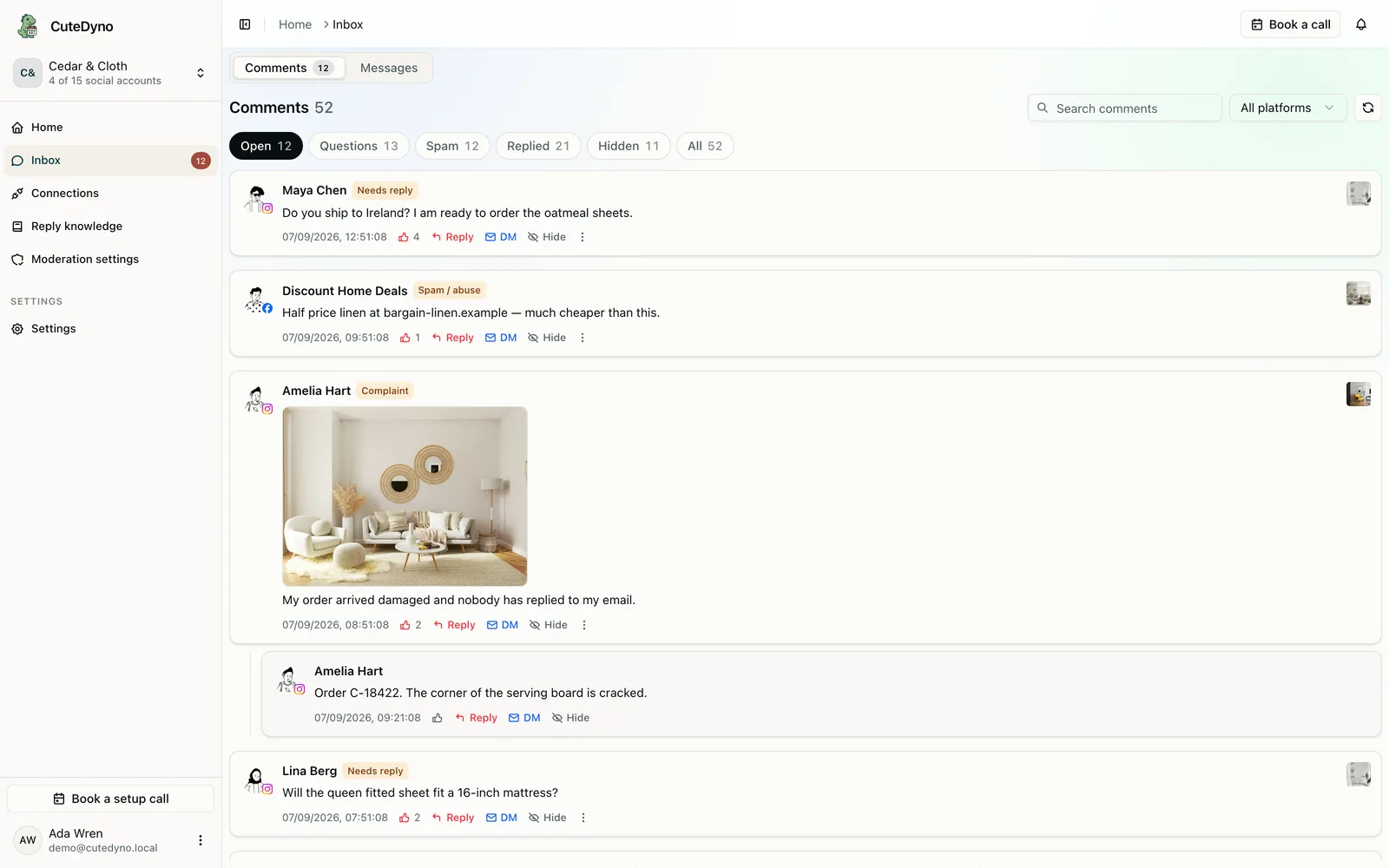
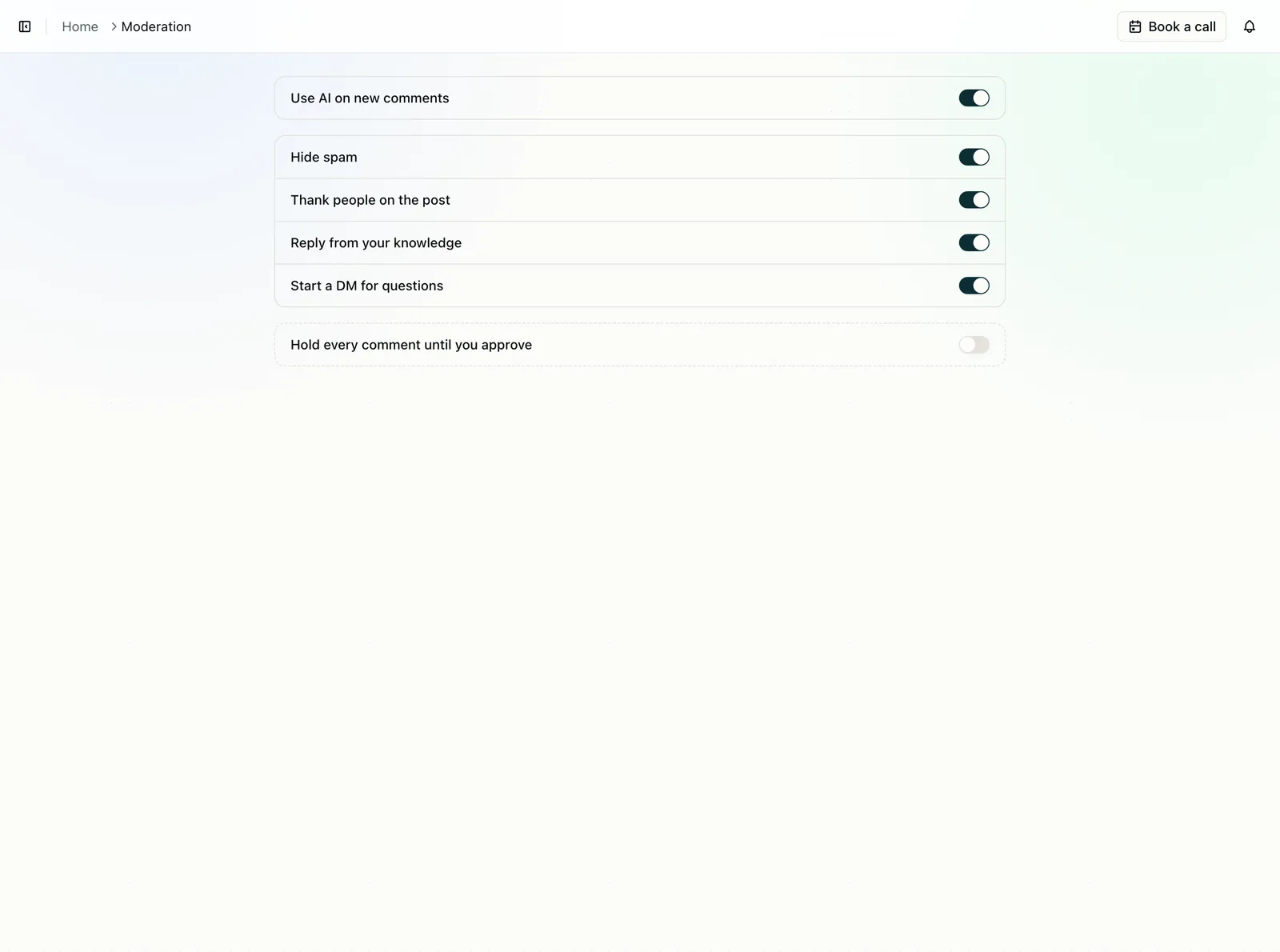
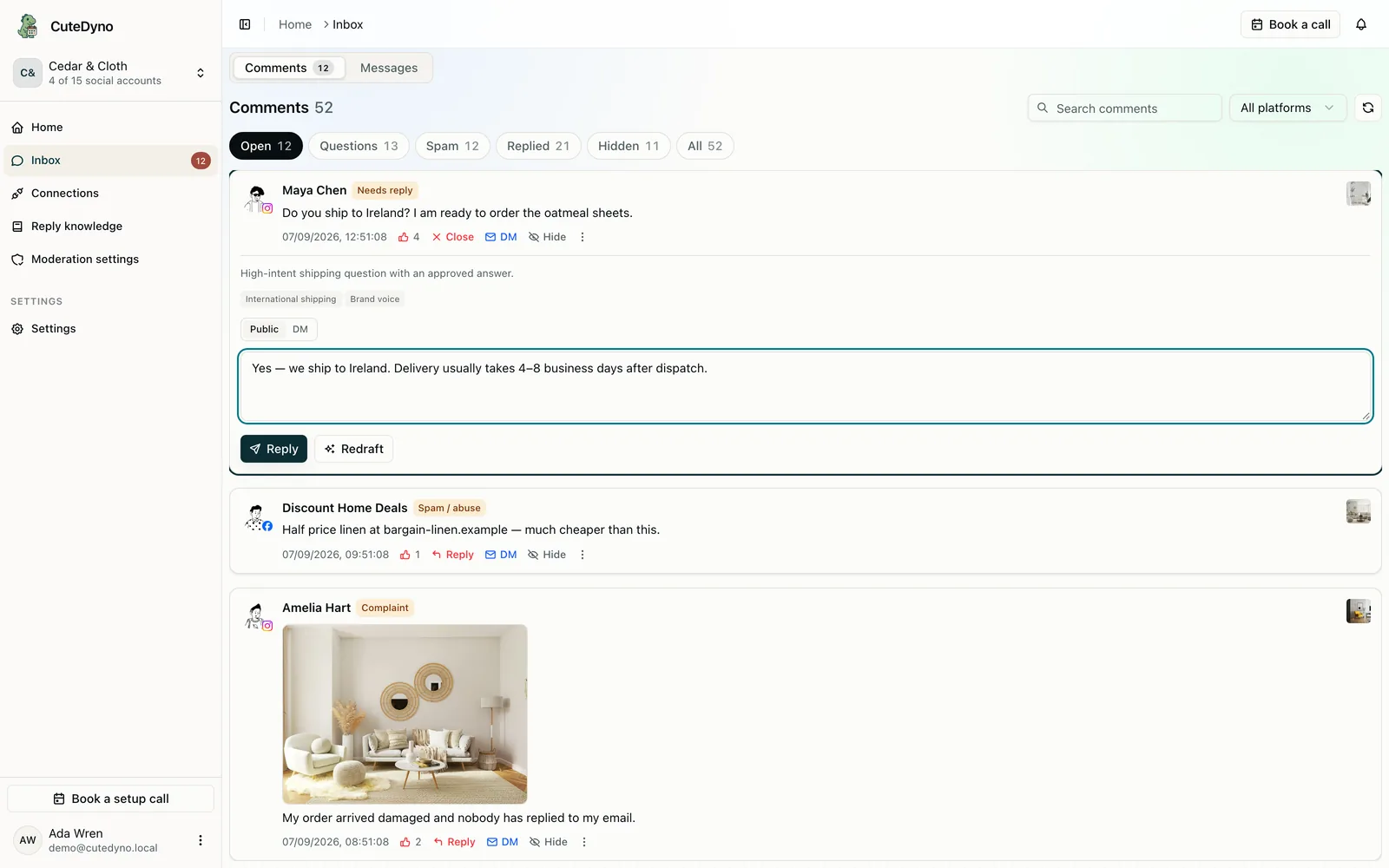
The agent can write the caption. It still cannot see the comments.
Most moderation tools are a website. If you work in Cursor or Claude, you end up screenshotting Ads Manager. CuteDyno exposes the same comment tools over MCP that the dashboard uses, with the same keys and the same errors as REST.
How to connect
- 01
Create an API key
Dashboard → API. One key can cover several brand profiles. Pass profileId when it does.
- 02
Point the agent at hosted MCP
https://api.cutedyno.com/mcp with Authorization: Bearer. Or npx -y cutedyno mcp locally.
- 03
Start with list_comments
Filter by platform or account. Subscribe to comment.received with a webhook instead of polling. Use review-comments when you want a queue.
Same permissions as REST
Tools come from the same registry as /v1. If the key cannot hide a comment in the dashboard, it cannot hide it from the agent. Read-only tools are safe to auto-approve. Writes should wait for a person when the profile requires it.
- Hosted MCP for cloud agents. Stdio MCP for local. REST and CLI when you want either
- list_comments, review-comments, accounts, webhooks
- Docs at /docs/mcp. Skill file at /SKILL.md. OpenAPI at /docs/api/openapi.json
- CuteDyno is still Facebook and Instagram comment moderation. The agent is another door, not a different product
Give this to your agent
Add a CuteDyno server at https://api.cutedyno.com/mcp with your Bearer token. Then ask it to list comments on the current profile and only hide what you have already classified as spam. Policy before writes. Do not guess schemas. OpenAPI is public.
Questions about mcp
Give the agent the comment queue.
Create a key, paste the MCP URL, start a 7-day free trial. No card.