
Facebook ad comments
Facebook ad comment moderation
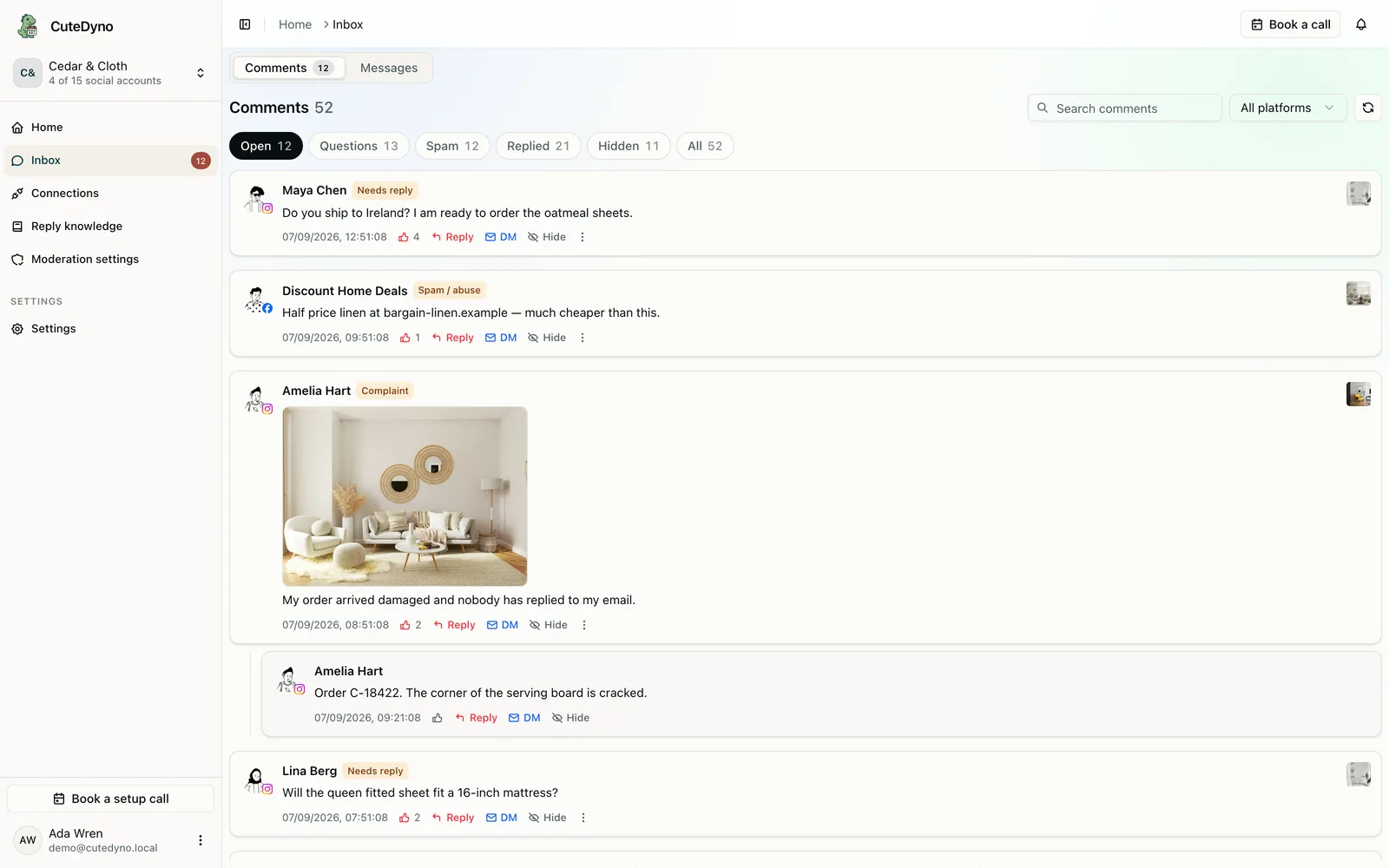
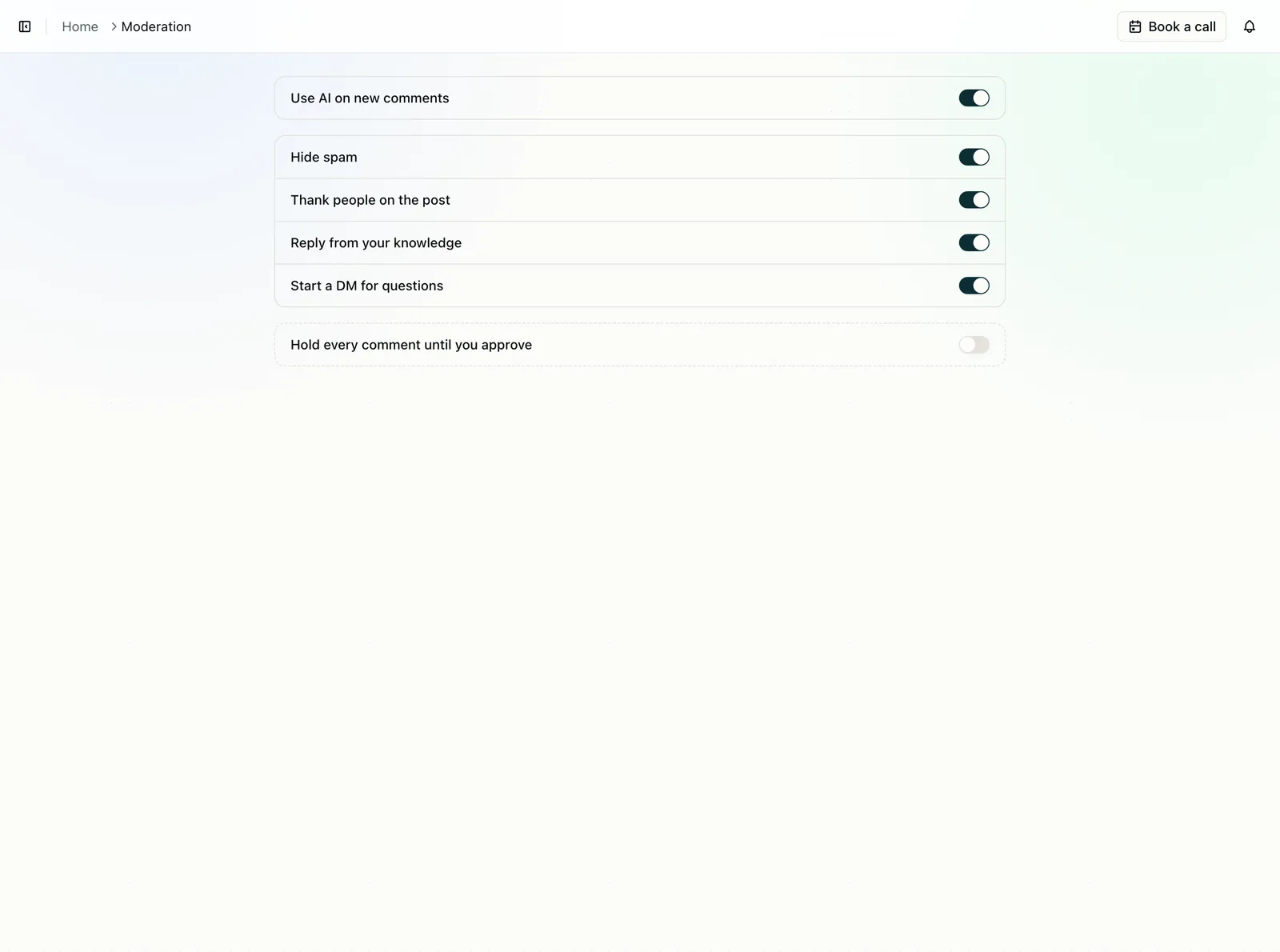
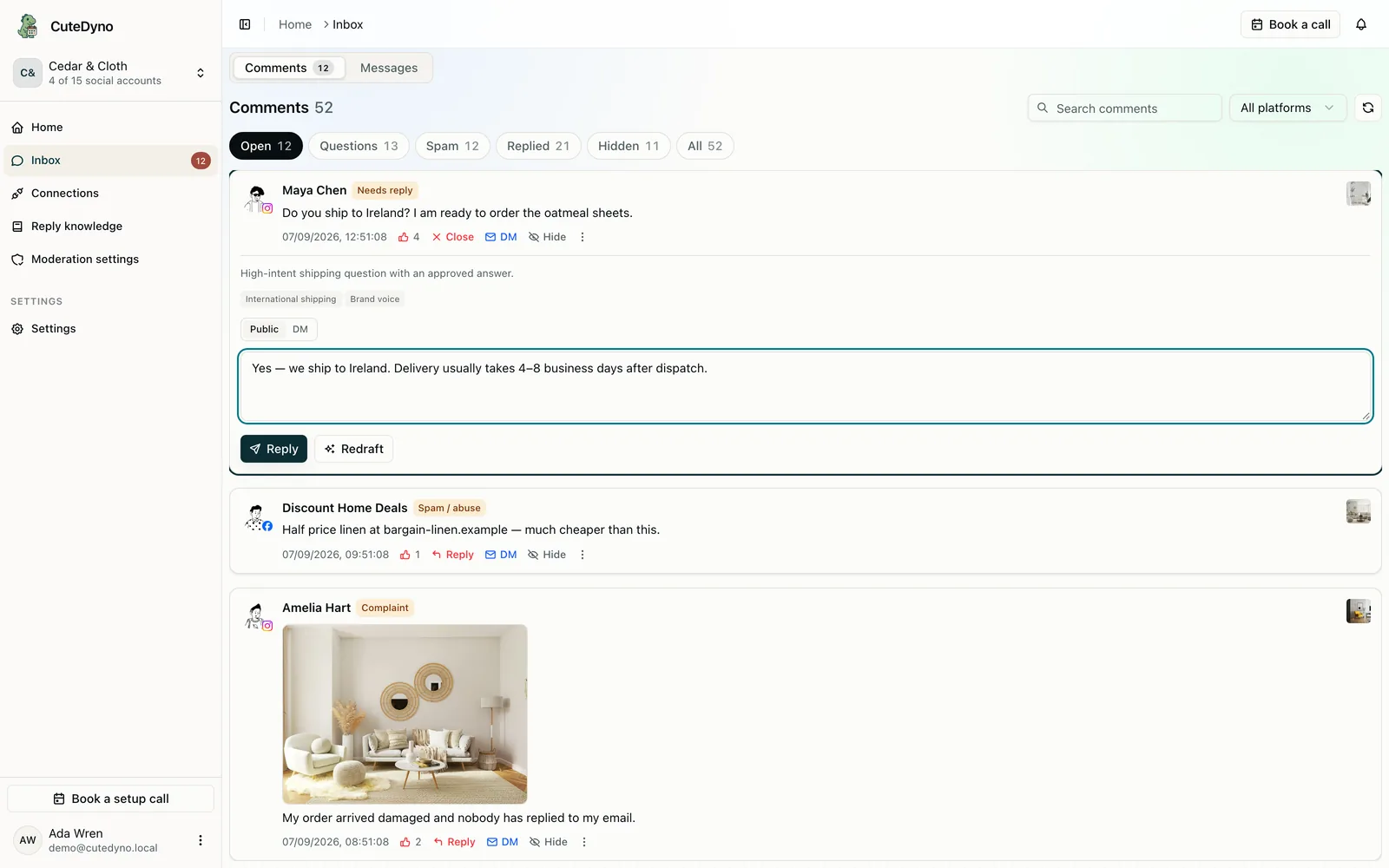
Ads Manager is where comments go to wait.
Organic comments show up on the Page. Boosted posts split across surfaces. Unpublished ads never hit the feed at all. A VA checking Facebook on their phone is not looking at the dark creative you launched Tuesday. The next person who sees that ad still reads the thread. If a scam is sitting there, you paid for it.
How Facebook ad comment moderation works here
- 01
Connect the Page once
Meta OAuth. New comments on that Page’s posts and supported ad placements flow in, including ads you launch later.
- 02
See the creative they commented on
The ad sits beside the thread so you know whether they asked about the offer, the product, or a landing-page claim.
- 03
Hide, hold, or reply
Same switches as organic comments. No extra setup when you duplicate a campaign.
No per-campaign comment setup
If you launch ten ads tomorrow, you should not open ten moderation settings. CuteDyno follows the connected Page. Coverage depends on what Meta delivers for that account.
- Boosted posts and dark-post creatives on supported placements
- The same hide, hold, and reply actions as Page comments
- Unlimited teammates, so the media buyer is not the only person with a login
- Related: the product page for ad comments if you want the feature view
Questions about facebook ad comments
Cover the ads that never hit your feed.
Connect the Facebook Page and start a 7-day free trial. No card.