Free Social Media Content Calendar Template 2026
A free social media content calendar template gives you one place to plan publish dates, platforms, themes, and status, so you stop scrambling for captions the morning a post is due. You do not need a paid download: copy the structures below into Google Sheets, Notion, or your scheduler's built-in calendar and start planning 2–4 weeks ahead.
This 2026 guide includes weekly and monthly layouts, pillar mapping, batching workflow, and how to connect your calendar to scheduling tools like CuteDyno.
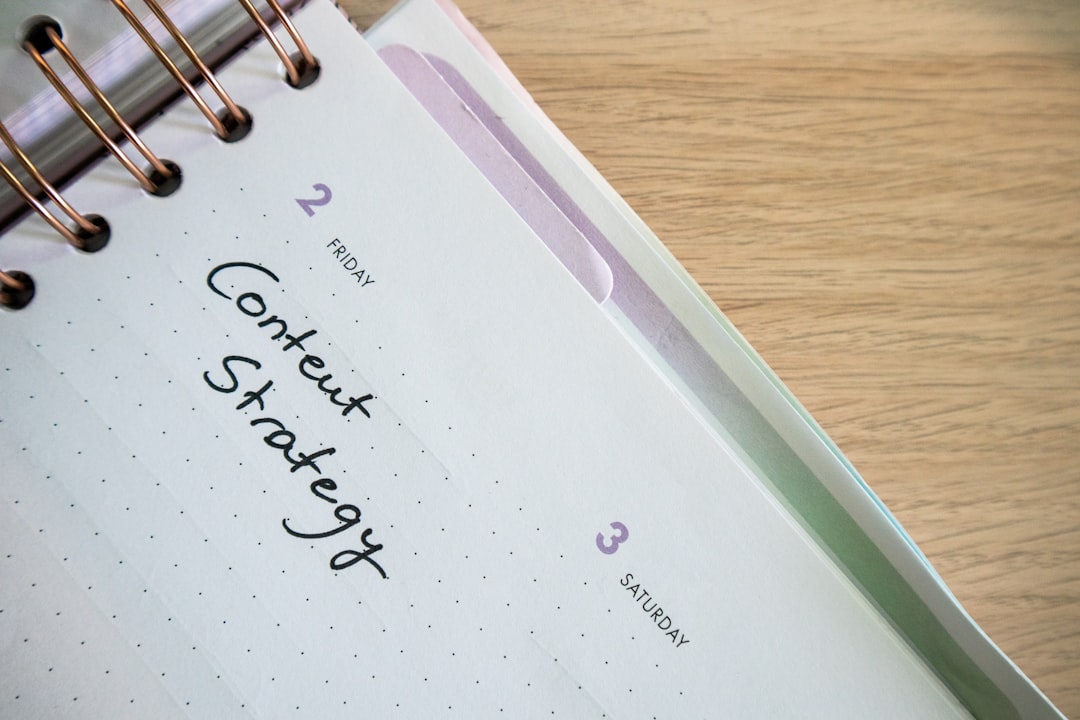
Why You Need a Content Calendar in 2026
Without a calendar, social media becomes reactive, random posts, missed launches, and inconsistent pillars. With one, you:
- Align posts with product drops, events, and campaigns
- Batch creation instead of daily firefighting
- See gaps before they become silent weeks
- Coordinate teams and client approvals
- Measure which themes drive results, not just single posts
Pair planning with publishing: social media scheduler · pricing · free trial.
What to Include in Every Calendar Row
1. Publish date and time
- Date, time, and time zone (critical for global audiences)
- Platform: Instagram, TikTok, Facebook, LinkedIn, YouTube, etc.
2. Content type
- Feed post, Reel, Story, carousel, Short, live, poll
- Format notes: 9:16 video, 4:5 carousel, document PDF for LinkedIn
3. Copy and assets
- Caption or script draft
- Hashtag set (see hashtag strategy)
- Link to image/video file or cloud folder
- CTA: shop, sign up, comment, save
4. Pillar and campaign
- Which content pillar the post supports
- Weekly theme or monthly campaign name
- Seasonal tie-ins (holidays, industry events)
5. Status and approvals
- Draft → Ready → Scheduled → Published
- Client approval yes/no
- Post-publish notes (views, saves, leads)
Weekly Calendar Template (Copy and Use)
| Date | Platform | Type | Pillar | Caption / Notes | Status |
|---|---|---|---|---|---|
| Mon 6/16 | Reel | Educate | Hook: "3 posting mistakes…" | Scheduled | |
| Tue 6/17 | TikTok | Video | Entertain | Trending sound + tip | Draft |
| Wed 6/18 | Document | Thought leadership | Case study slides | Ready | |
| Thu 6/19 | Carousel | Educate | 5-slide how-to | Draft | |
| Fri 6/20 | Video | Community | Customer story | Scheduled |
Duplicate this table in Google Sheets. Add columns for Owner, Asset link, and UTM if you track campaigns, see UTM parameters guide.
Monthly Campaign Planner
| Week | Theme | Key dates | Content focus |
|---|---|---|---|
| Week 1 | Launch | Product drop 6/5 | Teasers, countdown, announcement |
| Week 2 | Education | , | How-tos, myths, tutorials |
| Week 3 | Community | Live Q&A 6/18 | UGC, polls, replies |
| Week 4 | Promotion | Sale ends 6/30 | Offers, urgency, testimonials |
Map each week to 3–5 pillars so promo never overwhelms the feed.
Content Pillars to Plug Into the Calendar
Choose 3–5 recurring themes:
- Education – Tips, tutorials, industry insights
- Entertainment – Trends, humor, relatable moments
- Behind-the-scenes – Process, team, culture
- Social proof – Reviews, results, testimonials
- Promotion – Offers, launches (keep the smallest slice)
Rough split: 40% educate, 25% personal/culture, 20% proof/community, 15% promo. Adjust monthly based on saves and DMs.
Deep dive: content pillars guide 2026.
2026 Best Practices for Content Calendars
Plan ahead, stay flexible
- Plan 2–4 weeks of posts in detail
- Leave 20–30% of slots open for trends and news
- Review calendar every Monday; shift underperforming themes
Batch create and schedule
- Block 1–2 sessions per week for filming and writing
- Schedule at optimal times, best time to post on Instagram and TikTok
- Use schedule Instagram, schedule Facebook, and schedule LinkedIn guides per platform
Align with business goals
Tie calendar rows to revenue events: launches, webinars, hiring, seasonal sales. Track which themes drive clicks, not just likes.
Repurpose once, schedule many
One video master can become Reels, TikTok, and Shorts with light edits. Repurpose short-form video and add three calendar rows for one shoot.
Use AI for blank-page moments
Stuck on captions? Try content ideas and AI caption generator while filling the calendar.
Where to Build Your Calendar
| Tool | Best for | Cost |
|---|---|---|
| Google Sheets | Simple, shareable, client-friendly | Free |
| Notion | Database views, templates | Free tier |
| Airtable | Filters, automations | Free tier |
| CuteDyno | Calendar + scheduling + analytics | Free trial |
| Later | Visual Instagram grid | Free tier |
Workflow tip: Plan themes in Sheets; publish from CuteDyno. Start free.
Sample Two-Week Calendar (B2B SaaS)
| Day | ||
|---|---|---|
| Mon | Text post: industry stat + take | Reel: 30-sec product tip |
| Wed | Carousel: 5 onboarding mistakes | Story poll: biggest challenge? |
| Fri | Document: mini case study | Feed: team behind-the-scenes |
| Day | ||
|---|---|---|
| Mon | Poll: tooling question | Reel: customer quote overlay |
| Thu | Video: founder insight | Carousel: feature comparison |
| Fri | Text: weekly roundup | Story: share blog link |
Adapt platforms to where your buyers actually scroll.
Connecting Calendar to Scheduling
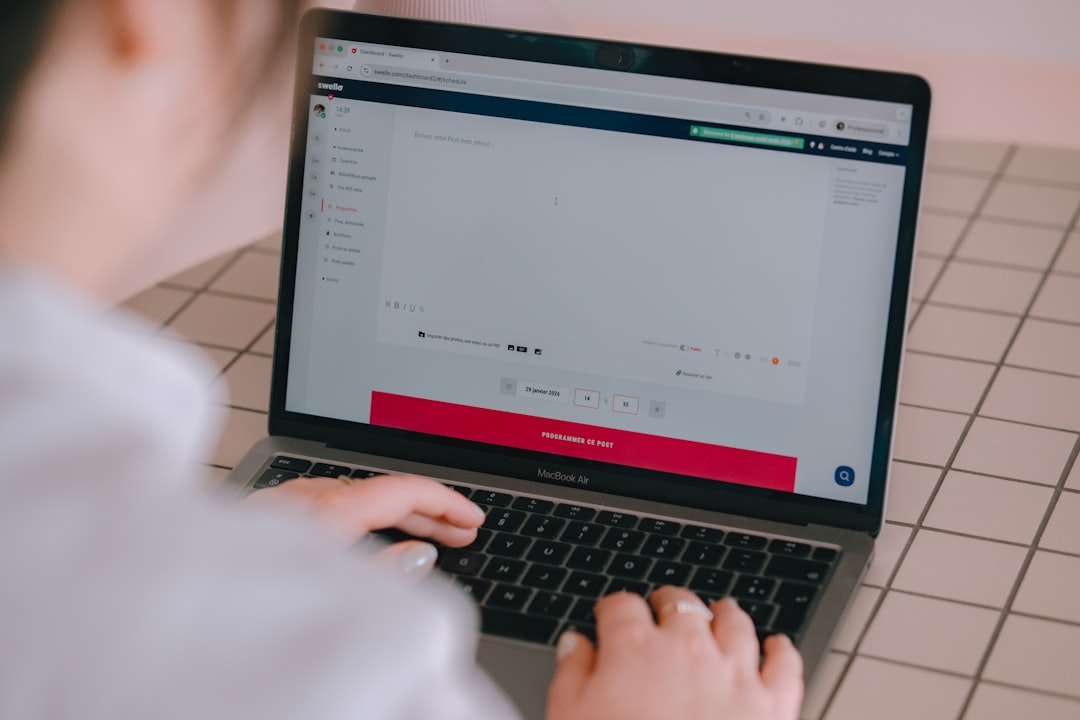
- Finalize copy and assets in the calendar
- Mark row Ready
- Upload to your scheduler and pick publish time
- Update status to Scheduled
- After publish, log performance notes for next month's plan
Agencies: add an Approval column and follow approval workflow best practices.
Content Calendar Examples by Industry
Restaurant / local business
| Day | Platform | Pillar | Idea |
|---|---|---|---|
| Tue | Instagram Reel | BTS | 15-sec kitchen prep |
| Wed | Community | Poll: special of the week | |
| Fri | Instagram Story | Promo | Weekend hours + reservation link |
| Sun | TikTok | Entertain | Staff trend (on-brand) |
Pair with scheduler for restaurants if you run multiple locations.
Creator / coach
| Day | Platform | Pillar | Idea |
|---|---|---|---|
| Mon | Educate | Myth-busting carousel | |
| Wed | TikTok | Personal | Day-in-life clip |
| Thu | Thought leadership | Lesson from client work (anonymized) | |
| Sat | Instagram Reel | Proof | Testimonial overlay |
Agency client (template row)
Add columns: Client name, Approver, Billing code, UTM campaign. Export to CuteDyno for publishing, signup.
From Spreadsheet Calendar to Scheduled Posts
- Draft all copy in the sheet, status = Draft.
- Client review, status = Ready (use approval workflows).
- Upload assets to scheduler; match row dates exactly.
- QA previews on mobile aspect ratio.
- Mark Scheduled in sheet; after publish, log reach and saves for next month's pillar mix.
This hybrid model keeps strategists in Sheets and operators in CuteDyno without duplicate data entry every week.
Frequently Asked Questions
How far ahead should I plan social content?
Two to four weeks of detailed posts is ideal for most brands. Campaign themes can be quarterly; weekly slots get filled as you learn what performs.
Should I post the same content on every platform?
No, adapt format and copy. Resize video, rewrite hooks, and match tone (LinkedIn professional vs. TikTok casual). Same idea, different execution.
How do I handle trending topics in a fixed calendar?
Leave empty slots labeled "Flex" or "Trend." When something relevant trends, swap a lower-priority draft post to the following week.
Can a scheduler replace a content calendar?
Schedulers include calendar views, but complex planning (pillars, campaigns, approvals) still benefits from a planning doc or sheet. Use both.
What posting frequency should the calendar assume?
Start with 3–5 posts per week per primary platform; adjust based on bandwidth and analytics, not vanity quotas.
Is CuteDyno's calendar good for teams?
Yes, combine calendar scheduling with client profiles and approvals. See pricing and try free.
Build your calendar this week, schedule your first batch, and iterate monthly. Sign up for CuteDyno · Pricing · Social media scheduler
More to read: Content Pillars Guide · Best Scheduling Tools · Affordable Scheduler · 50 TikTok Content Ideas