UTM Parameters for Social Media Campaigns (2026 Guide)
UTM parameters for social media are query tags you append to URLs so Google Analytics 4 (and similar tools) can attribute traffic to a specific post, ad, influencer, or campaign, without guessing from referrer data alone. When every link in your bio, Story sticker, and scheduled caption uses the same naming rules, reporting finally answers which creative actually drove signups.
This 2026 guide covers the five standard parameters, social-specific examples, governance habits, and how to build links in seconds before you queue posts in a scheduler.
Why UTMs Matter for Social Teams
Organic social referrers often arrive as generic instagram.com or t.co traffic. Paid campaigns split across placements. Influencer stories disappear after 24 hours. Without UTMs you see spikes, not stories.
Clean UTMs let you:
- Compare Q2 product launch vs evergreen blog promo
- Separate organic TikTok from Spark Ads
- Prove which carousel slide earned the click (
utm_content) - Align social reporting with CRM and email UTM conventions
Pair measurement with execution: schedule tagged links consistently via CuteDyno's social media scheduler and document names in your content calendar.
The Five Standard Parameters
| Parameter | Example | Meaning |
|---|---|---|
utm_source | instagram, tiktok, newsletter | Where the click originated |
utm_medium | social, cpc, email | Marketing medium |
utm_campaign | spring_launch_2026 | Named initiative |
utm_term | running_shoes | Optional, often paid search keywords |
utm_content | carousel_slide_2 | Optional, differentiates creatives or links |
Naming rules that keep GA4 readable:
- Use lowercase and underscores in
utm_campaign - Never change a live campaign slug mid-flight, you will split reporting
- Keep a single source of truth spreadsheet for agency and client teams
Social-Specific UTM Examples
Organic Reel or TikTok
https://yoursite.com/guide?utm_source=tiktok&utm_medium=social&utm_campaign=organic_q2&utm_content=hook_variant_a
Influencer story (contracted)
https://yoursite.com/shop?utm_source=influencer_jane&utm_medium=social&utm_campaign=may_collab&utm_content=story_frame_1
Paid Meta or TikTok ads
https://yoursite.com/landing?utm_source=instagram&utm_medium=paid_social&utm_campaign=conversions_june&utm_content=reels_ad_v3
LinkedIn thought leadership
https://yoursite.com/blog/post?utm_source=linkedin&utm_medium=social&utm_campaign=exec_visibility_2026
Agencies should bake UTM rules into the client onboarding checklist so freelancers do not invent new spellings per post.
Build Links in Seconds
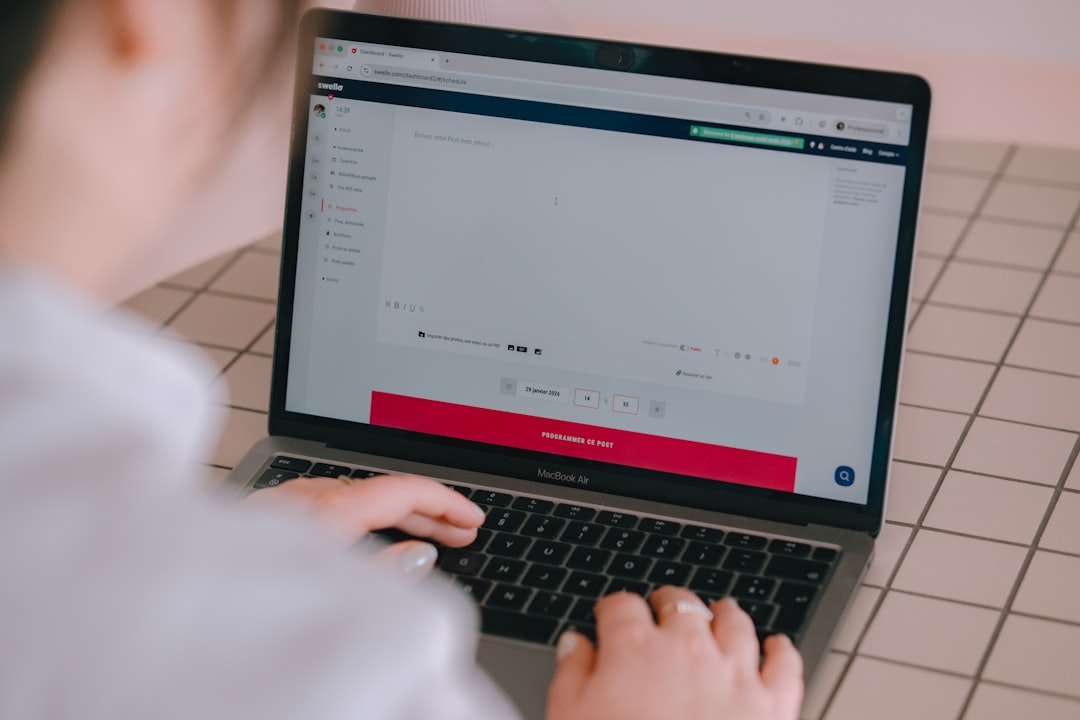
Manual tagging errors are common, one missing & breaks parsing. CuteDyno's free UTM link builder runs in your browser: enter your base URL, fill fields, copy the finished string. No signup required.
Workflow tip:
- Build UTMs in the builder
- Paste into your scheduler draft
- Send for approval before publish
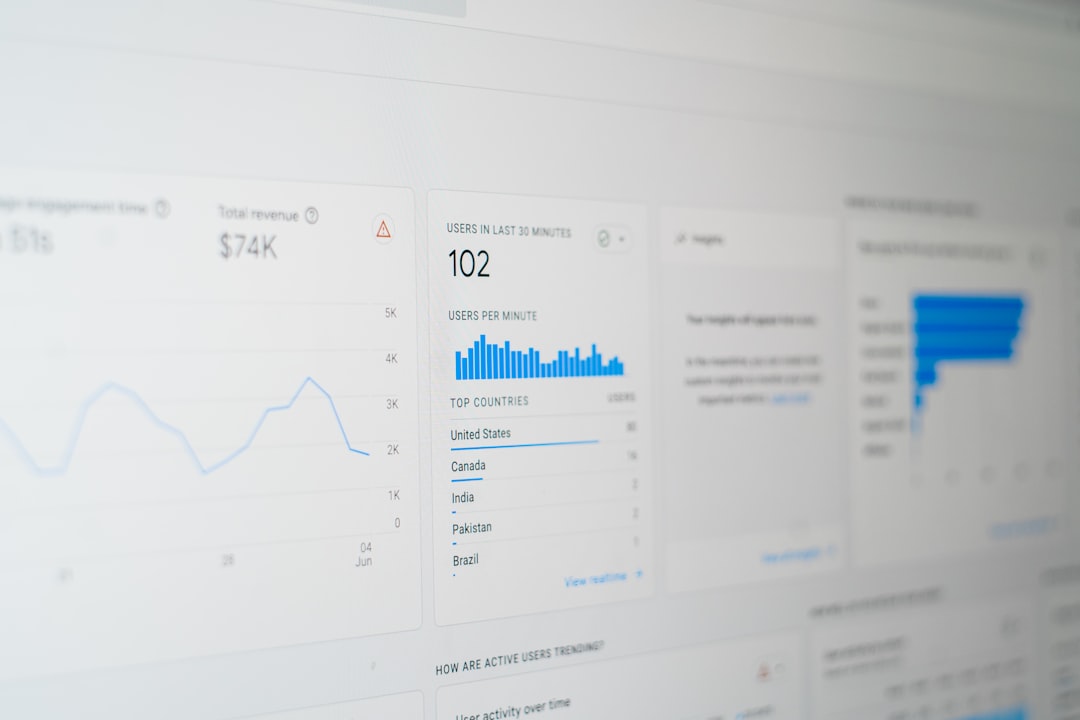
- Verify in GA4 Realtime after the post goes live
For engagement context alongside traffic, use the engagement calculator when reviewing which posts deserve boosted spend.
Governance and QA Checklist
- Document conventions, One Notion doc or sheet beats tribal knowledge.
- Shorten after tagging, Branded shorteners sit after UTMs are applied so analytics stay intact.
- Avoid keyword stuffing, UTMs are for measurement, not SEO tricks.
- Audit quarterly, Archive dead campaigns; merge duplicates in GA4 explorations.
- Train clients, Show them a sample GA4 report tied to names they recognize.
Ecommerce and local businesses: align UTMs with hashtag strategy docs so paid and organic reports map to the same initiative names.
UTMs + Scheduling + Multi-Platform Posts
The same landing page often ships to Instagram, Facebook, LinkedIn, and email in the same week. Give each channel a distinct utm_source even when utm_campaign matches, otherwise you cannot rank channels fairly.
When repurposing blog posts, generate social copy with blog to social and attach the correct tagged URL per network before you bulk-schedule.
Freelancers juggling clients should read how to manage multiple client social accounts alongside this tagging doc.
Common GA4 reports to bookmark
Once UTMs are live, these explorations pay off in monthly reviews:
- Traffic acquisition filtered by
session source / medium - Landing page performance grouped by
session campaign - Conversions with
session campaignas secondary dimension for paid vs organic social
Export a one-page PDF for clients who will never log into GA4 themselves, mirror the exact utm_campaign spelling from your master doc so numbers reconcile with scheduled post titles in CuteDyno.
Start free if you want UTMs and publishing in one workflow, or browse pricing for team seats.
Frequently Asked Questions
Do UTMs affect SEO?
UTMs are query strings for analytics. They do not replace solid on-page SEO. Use canonical tags on your site as usual. Treat UTMs as measurement, not a ranking hack.
Can I use UTMs in Instagram bio links?
Yes. Most link-in-bio tools accept full URLs with parameters. Build the string in the UTM builder first.
What if I forget UTMs on a post?
Traffic may still appear as referral or direct in GA4, but you lose clean breakdowns by campaign and creative. Add UTMs before scheduling when possible.
Is the CuteDyno UTM builder free?
Yes, /tools/utm-builder works without an account.
Should utm_medium be social or paid_social?
Use social for organic posts and a distinct value like paid_social or cpc for ads so paid reports do not blend with organic wins.
How do agencies keep client UTMs separate?
Use client-specific utm_campaign prefixes (acme_spring_2026) and restrict edit access to the master naming doc. Onboarding templates prevent drift.