Threads for Creators Basics (2026)
Threads for creators in 2026 is best understood as Meta's conversation layer, not a full replacement for X, but a useful place to talk with people who already follow you on Instagram. If your audience discovers you through Reels and Stories, Threads gives you room for hot takes, micro-stories, and replies without fighting the algorithm for another video edit.
This guide covers what works on Threads, how it differs from other text platforms, posting rhythm, and how to slot it into a scheduler-friendly workflow without doubling your workload.
What Threads Is (and Is Not)
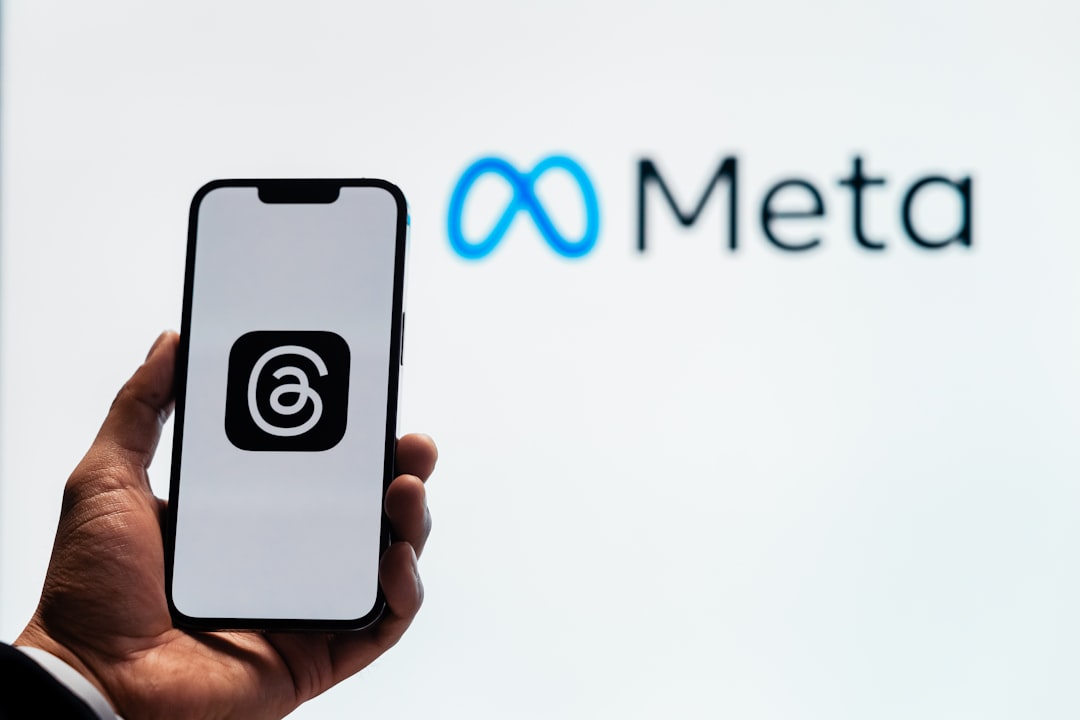
Threads launched as a text-first companion to Instagram. In 2026 it still rewards short posts, replies, and community tone more than link-dumping or polished essays.
| Threads strengths | Threads limitations |
|---|---|
| IG audience crossover | Smaller reach than IG Reels for cold discovery |
| Fast replies and debates | Feature set evolves; verify scheduling support in your stack |
| Casual brand voice | Not ideal as your only owned channel |
Think of Threads as dialogue, Reels as reach, and your email list or site as conversion. Creators who win treat each layer differently instead of copy-pasting identical captions everywhere.
What Content Performs on Threads
Hot takes with substance
One sharp opinion plus one reason beats a rant. Invite replies with a question at the end.
Behind-the-scenes from video
Tease a Reel hook, share what almost got cut, or explain the lesson you learned on set. Link or CTA in replies when the app allows.
Micro-stories in 3–5 posts
Narrative threads work when each post ends on a mini-cliffhanger. Draft the arc first, our free thread generator helps you outline multi-part ideas before you adapt tone for Threads vs X.
Community spotlights
Reply to followers, amplify complementary creators, and summarize what you learned from comments on yesterday's Reel.
For pillar planning across networks, see the social media content pillars guide.
Threads vs X: Practical Differences
Both are text-heavy, but audience expectations diverge:
- Threads skews toward Instagram-native creators, lifestyle brands, and visual-first niches.
- X still leads for breaking news, tech discourse, and link-heavy publishing in many industries.
- Tone on Threads often feels warmer and less performative; X rewards punchier one-liners.
Cross-posting verbatim rarely works. Trim hooks, remove platform-specific @ mentions, and run copy through the character counter so nothing truncates awkwardly when you syndicate pieces to LinkedIn or Facebook.
Posting Rhythm and Batching
Threads rewards consistency more than occasional viral spikes. A sustainable 2026 cadence for most creators:
- 3–5 posts per week if you are testing the channel.
- Daily replies matter as much as original posts, conversation signals stay visible in feeds.
- One weekly "anchor" post tied to your newsletter, product drop, or flagship Reel.
Batch ideas in a free content calendar template. When you publish long-form on your blog, repurpose highlights with blog to social and trim for Threads' shorter style.
If you schedule Instagram and TikTok from one queue, read best time to post on Instagram and TikTok and mirror those windows for Threads when you post manually.
Growing on Threads Without Burning Out
- Pin a intro thread, Who you help, what you post, where to find your best work.
- Reply in your niche, Ten thoughtful replies beat one generic broadcast.
- Cross-promote from Reels, Verbal CTA: "Full breakdown on my Threads."
- Track what repeats, Saves and reply depth beat raw likes for learning.
- Use AI carefully, Draft with the AI caption generator, then edit for your voice.
Agencies managing creator accounts should document Threads voice in the agency client onboarding checklist alongside Instagram rules.
Fitting Threads Into CuteDyno and Your Stack
Scheduling support for Threads depends on Meta's API and your connected accounts, availability changes. CuteDyno focuses on major networks where teams need approvals and multi-account queues; check current connections when you onboard.
Even if you post Threads manually, keep video and image work in your main scheduler so Reels, TikToks, and Facebook posts stay on calendar while you use Threads for real-time conversation.
Explore the broader social media scheduler workflow or compare pricing if you are consolidating tools in 2026.
Measuring Whether Threads Is Worth Your Time
Threads does not need its own vanity metrics spreadsheet on day one, but after 30 days you should know if it earns a slot in your weekly batch:
- Reply depth, Are conversations substantive or one-word spam?
- Profile taps, Do Threads posts send people to Instagram or your site?
- Content reuse rate, Can one Reel hook become three Threads posts without extra filming?
If all three lag while Reels grow, keep Threads as a low-lift experiment, five minutes of replies after you publish video, rather than a second full channel. Revisit quarterly as Meta expands features.
Frequently Asked Questions
Do I need a separate Threads strategy?
Start with one weekly goal, e.g., three genuine conversations with followers, and expand if reply depth holds. A separate 40-page playbook is optional until the channel proves ROI.
Can I schedule Threads posts?
It depends on Meta's current API and your tool stack. Many creators still post Threads manually while scheduling visual content elsewhere. Verify support inside CuteDyno during setup.
Is Threads good for B2B?
Yes, when your buyers already use Instagram for brand discovery. Test thought-leadership snippets, event recaps, and hiring posts, not hard sales links in every update.
How does Threads relate to Instagram Reels?
Use Reels for reach and Threads for dialogue. Comment in your niche, reply quickly, and drive interest back to pinned offers or link-in-bio destinations.
Should I cross-post the same text to X and Threads?
Rarely without edits. Adapt length, tone, and hashtags per platform. Use the thread generator to outline once, then customize each version.
What free tools help Threads creators?
Try the thread generator, character counter, and blog to social on CuteDyno's free tools hub.