Multi-Account TikTok and Instagram Setup (VPN Guide)
Multi-account TikTok and Instagram setup for app founders usually means 2-5 warmed profiles posting different angles of the same product, not dozens of spam accounts. Warm up each account separately, post on a sane cadence, and use a simple VPN only when your workflow needs clean separation between profiles or regions.
This is practical creator ops, not a hack. Pair with account warmup and posting cadence. Connect accounts in CuteDyno to schedule from one dashboard.

Quick Answer: When Do You Need Multiple Accounts?
| Reason | Example |
|---|---|
| Different content angles | Account A: tutorials, Account B: meme hooks |
| Language or region | US vs EU positioning |
| Risk spread | One account in review does not stop the others |
| Scale a winner | 3/day on Account A, 2/day on Account B |
You do not need 20 accounts to start. Spread 600 posts/month across 3-5 warmed accounts, not one firehose.
Setup Checklist (Keep It Simple)
- Create fresh accounts (no bought profiles)
- Warm each account 2-3 days before its first post (warmup guide)
- One post per day per account until a format wins
- Same email is often fine for multiple TikTok accounts at indie scale
- Connect each account to your scheduler when ready to batch
Do not overthink device fingerprints on day one. Focus on niche scrolling and content quality first.
VPN: When and What to Use
A VPN helps when you:
- Manage accounts tied to different regions
- Travel and need a stable country exit
- Want a dedicated IP pattern per workflow (check provider docs)
Cheap options founders commonly use:
- Mullvad : simple privacy-focused VPN, flat monthly price
- Evomi : proxy/VPN-style tooling for flexible IPs (verify plans for your use case)
Pick one provider, read their terms, and stay consistent per account where possible. You do not need an enterprise stack to run 3 TikTok accounts for an app.
Important: VPNs do not fix bad content. They are infrastructure, not a growth strategy.
Posting Across Accounts Without Chaos
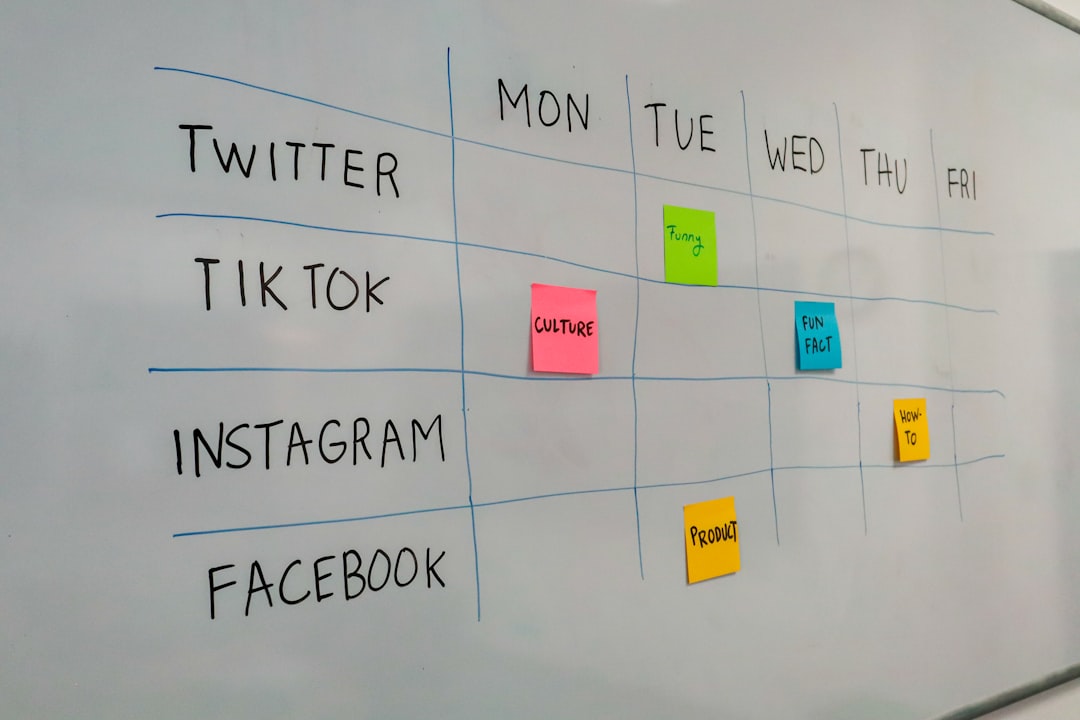
- Name accounts clearly in your scheduler (e.g. "App Tips", "App Memes")
- Stagger post times so you are not uploading 10 clips in one minute
- Mix manual posts occasionally so profiles feel human
- Track which account + format drives installs, not just views
CuteDyno lets you connect multiple TikTok accounts in one profile and schedule slideshows or video posts without logging in and out all day.
Mistakes to Avoid
- Buying aged accounts with the wrong audience
- Skipping warmup on "extra" accounts
- Posting identical content to every account same day
- Scaling to 6+ posts/day before any winner
- Blaming the VPN when hooks and retention are weak
FAQ
Can I use one phone for multiple TikTok accounts?
Yes. Many creators switch accounts in-app. Warm up and post thoughtfully on each.
Do I need a VPN for two Instagram accounts?
Not always. Start without one if you are in one country and following platform rules. Add Mullvad or Evomi if you hit region limits or need separated workflows.
Is it against TikTok rules to run multiple accounts?
Multiple accounts for legitimate brands and content angles are normal. Spam, deception, and ban evasion are not. Post real content with real CTAs.
How many accounts for 600 posts per month?
Roughly 3-5 accounts at ~4-7 posts per week each is healthier than 600 posts on one profile. Adjust after you see analytics.
Where do I schedule everything?
After accounts are connected, use CuteDyno to queue TikTok slideshows and posts across accounts in one sitting instead of manual uploads.