
Schedule YouTube
Coming soon — start with TikTok autopilot today.
What you get
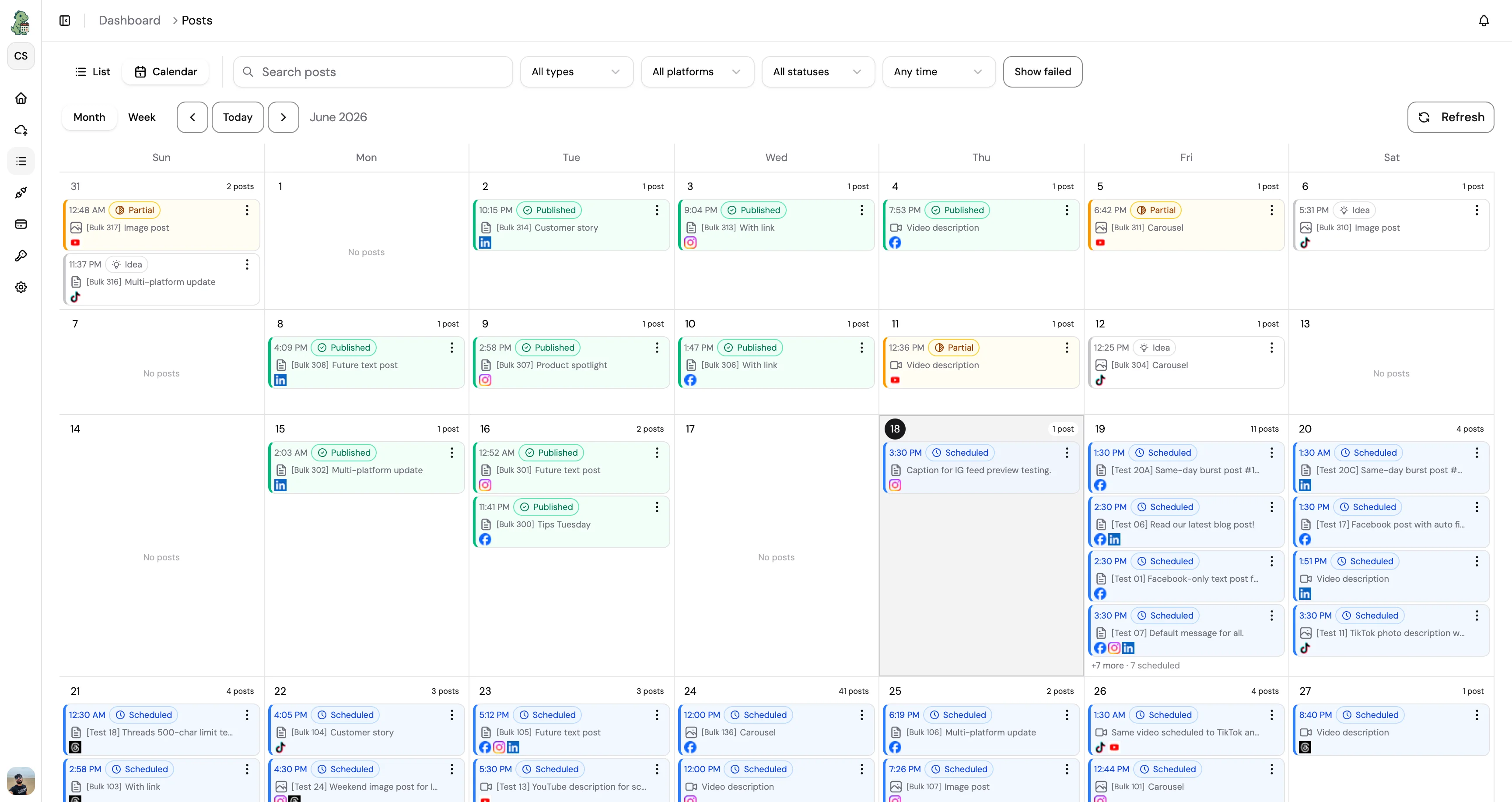
The same CuteDyno workspace you use everywhere else, set up for the way YouTube actually works.
- Schedule video publishing to your channel
- Strong defaults for titles, descriptions, and metadata
- Thumbnail and media workflows in your existing process
- Coordinate YouTube with other platforms in one workspace
- Title and description fields with character limits
- Premiere and timed publishing without manual last-mile clicks
Free tools for YouTube
Little extras that pair well with scheduling. Free with your account.
Browse all toolsHow it works
Start your free trial
Create a CuteDyno account in under a minute. No card needed, and you get full access to YouTube scheduling for 7 days.
Connect YouTube
Link your YouTube account through a secure login. We connect via OAuth, so your password stays with YouTube, we never see it.
Write your post
Add your text, image, or video. Stuck on a caption? Let AI draft one, then edit it so it sounds like you before anything goes out.
Pick a time
Choose when it should publish, later today or weeks from now. Set it and move on to the next one.
Let it publish
Your YouTube post goes live on its own at the time you picked, and your whole queue stays visible from one dashboard.
Why schedule YouTube?
Ship on a predictable cadence so subscribers know when to expect the next video.
Finalize titles and descriptions ahead of time instead of rushing in YouTube Studio.
Align long-form uploads with Shorts and social teasers from the same calendar.
Agencies can separate channels per client while keeping one scheduling workflow.
Reduce “we forgot to set visibility” errors with everything visible in the queue.
Questions

Ready to schedule YouTube?
7-day free trial. Full access. No credit card.