

Schedule LinkedIn
Coming soon — start with TikTok autopilot today.
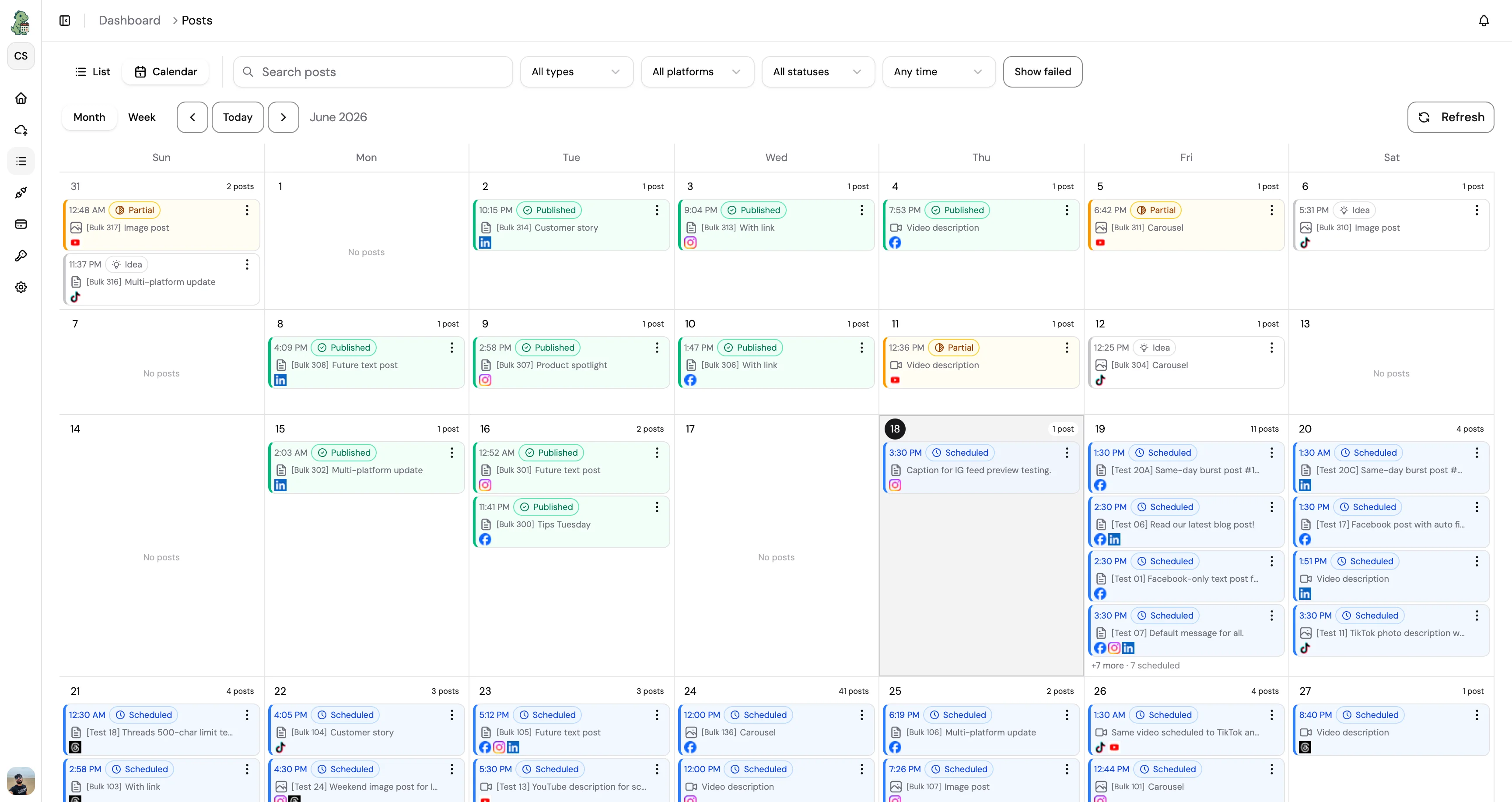
What you get
The same CuteDyno workspace you use everywhere else, set up for the way LinkedIn actually works.
- Schedule posts for profiles and Company Pages
- Long-form and document-style posts supported
- Consistent cadence for thought leadership
- Workspace per client for agency teams
- Character-limit aware composer
- Calendar that sits alongside your other networks
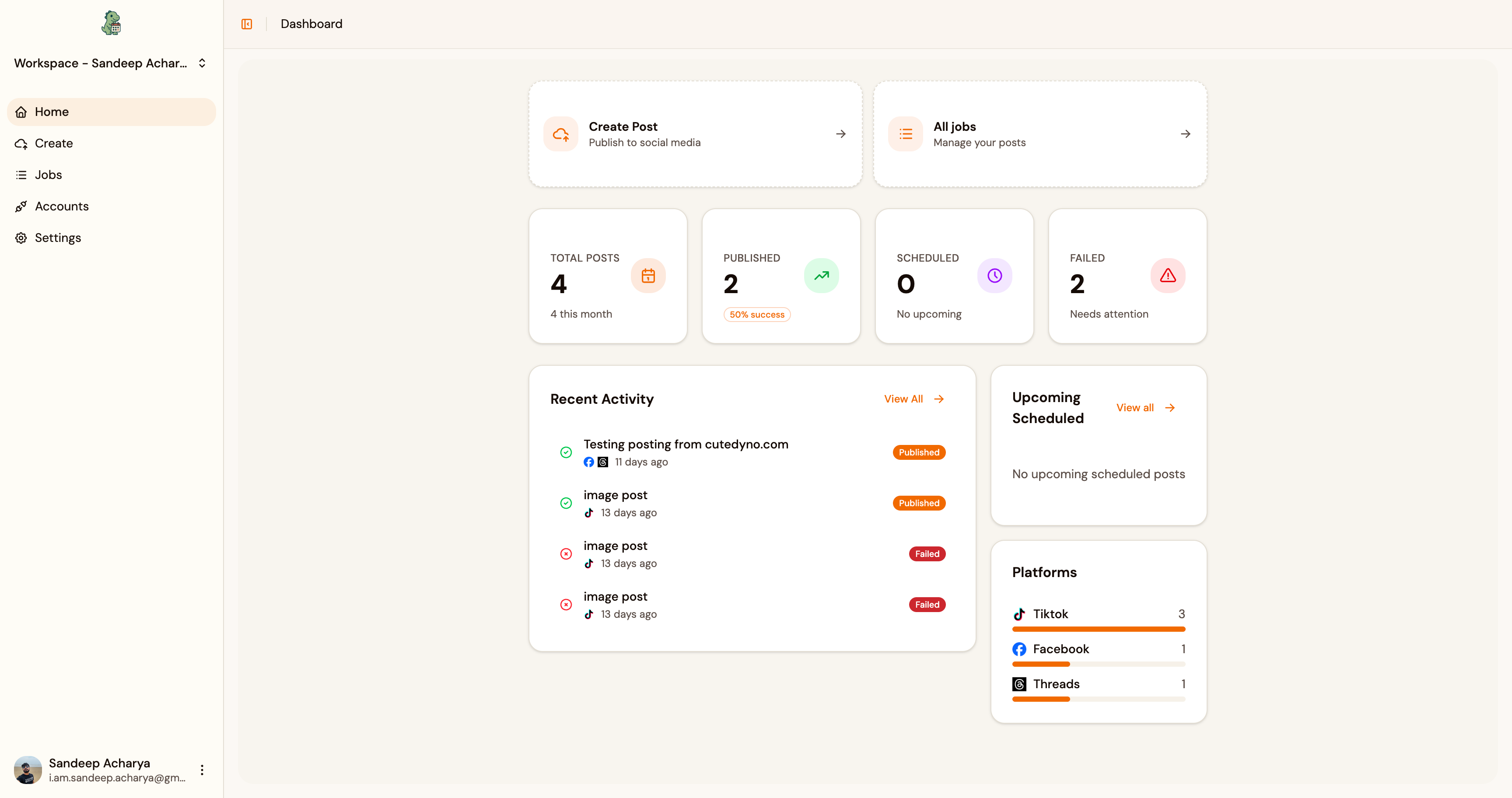
Free tools for LinkedIn
Little extras that pair well with scheduling. Free with your account.
Browse all toolsHow it works
Start your free trial
Create a CuteDyno account in under a minute. No card needed, and you get full access to LinkedIn scheduling for 7 days.
Connect LinkedIn
Link your LinkedIn account through a secure login. We connect via OAuth, so your password stays with LinkedIn, we never see it.
Write your post
Add your text, image, or video. Stuck on a caption? Let AI draft one, then edit it so it sounds like you before anything goes out.
Pick a time
Choose when it should publish, later today or weeks from now. Set it and move on to the next one.
Let it publish
Your LinkedIn post goes live on its own at the time you picked, and your whole queue stays visible from one dashboard.
Why schedule LinkedIn?
Post during business hours in your audience’s timezone, even when you’re heads-down on delivery.
Keep founder and exec voices consistent with drafts and approvals in one place.
Plan a month of angles (insights, hiring, product) without living in LinkedIn daily.
Pair scheduling with formatted text tools so posts don’t break on mobile.
Agencies can separate clients cleanly while still using one CuteDyno account structure.
Reduce last-minute “we need a post today” fire drills with a visible queue.
Questions




Ready to schedule LinkedIn?
7-day free trial. Full access. No credit card.